<?xml version="1.0" encoding="utf-8"?><feed xmlns="http://www.w3.org/2005/Atom" ><generator uri="https://jekyllrb.com/" version="4.4.1">Jekyll</generator><link href="https://thin.ly/blog/feed.xml" rel="self" type="application/atom+xml" /><link href="https://thin.ly/blog/" rel="alternate" type="text/html" /><updated>2026-05-30T14:23:25-04:00</updated><id>https://thin.ly/blog/feed.xml</id><title type="html">thin.ly Blog</title><subtitle>Guides and articles on URL shortening, QR codes, link analytics and link governance.</subtitle><author><name>thin.ly team</name><email>hello@thin.ly</email></author><entry><title type="html">Using UTM Parameters with Shortened Links: A Practical Guide</title><link href="https://thin.ly/blog/utm-parameters-with-shortened-links/" rel="alternate" type="text/html" title="Using UTM Parameters with Shortened Links: A Practical Guide" /><published>2026-05-25T00:00:00-04:00</published><updated>2026-05-25T00:00:00-04:00</updated><id>https://thin.ly/blog/utm-parameters-with-shortened-links</id><content type="html" xml:base="https://thin.ly/blog/utm-parameters-with-shortened-links/"><![CDATA[<p>UTM parameters and short links are two of the oldest tools in the digital
marketer’s kit, and most teams use them badly together. The usual symptom is a
Google Analytics report that lumps every paid campaign into a single
<code class="language-plaintext highlighter-rouge">utm_source=newsletter</code> bucket because someone reused the same UTM string
across six different sends, or the opposite — twenty subtly different
<code class="language-plaintext highlighter-rouge">utm_campaign</code> values for what should have been one campaign. Both problems
have the same root cause: nobody on the team owns the link-generation step.</p>

<p>This article walks through the model we recommend for combining UTM tagging
with a short-link service, with the specific failure modes we see in support
tickets and how to design around them.</p>

<h2 id="what-each-tool-actually-does">What each tool actually does</h2>

<p>A short link is a redirect. A user clicks <code class="language-plaintext highlighter-rouge">thin.ly/launch-q3</code>, the server
looks up <code class="language-plaintext highlighter-rouge">launch-q3</code> in a database, finds the destination, and issues an HTTP
302 to that URL. The destination URL can contain anything — including UTM
parameters.</p>

<p>UTM parameters are query-string key/value pairs (<code class="language-plaintext highlighter-rouge">utm_source</code>,
<code class="language-plaintext highlighter-rouge">utm_medium</code>, <code class="language-plaintext highlighter-rouge">utm_campaign</code>, <code class="language-plaintext highlighter-rouge">utm_content</code>, <code class="language-plaintext highlighter-rouge">utm_term</code>) that Google
Analytics and most other analytics tools recognize as campaign metadata.
They’re read at the destination, on the landing page itself, after the
redirect has already happened.</p>

<p>This means <strong>UTM parameters live on the destination URL, not on the short
link</strong>. The short link is the wrapper; the UTMs ride inside it.</p>

<figure>
  <img src="/blog/assets/images/utm-parameters/utm-stack.jpg" alt="Diagram of UTM parameters layered on a destination URL" loading="lazy" />
  <figcaption>UTMs live on the destination URL, inside the wrapper of the short link. The shortener is the carrier, not the carrier of the tags themselves.</figcaption>
</figure>

<h2 id="the-basic-pattern">The basic pattern</h2>

<p>If your campaign destination is:</p>

<div class="language-plaintext highlighter-rouge"><div class="highlight"><pre class="highlight"><code>https://acme.com/pricing
</code></pre></div></div>

<p>and you want it tagged for a paid social campaign, the destination URL you
shorten is:</p>

<div class="language-plaintext highlighter-rouge"><div class="highlight"><pre class="highlight"><code>https://acme.com/pricing?utm_source=linkedin&amp;utm_medium=cpc&amp;utm_campaign=q3-launch&amp;utm_content=carousel-a
</code></pre></div></div>

<p>Then you shorten <em>that</em> — full string with UTMs — into something like
<code class="language-plaintext highlighter-rouge">thin.ly/q3-launch-li</code>. The user clicks the short link, the server redirects
to the long URL with UTMs intact, the destination page records the visit
under the correct campaign in your analytics.</p>

<p>The mistake we see most often is shortening the bare URL and then trying to
“add UTMs in the short link” by appending them after the slug, like
<code class="language-plaintext highlighter-rouge">thin.ly/q3-launch?utm_source=linkedin</code>. Most shorteners (including
thin.ly) strip those because they’re meaningless to the lookup engine —
the slug is <code class="language-plaintext highlighter-rouge">q3-launch</code>, the query string is noise. The redirect goes to the
bare destination and your analytics records “direct traffic.”</p>

<h2 id="picking-values-that-aggregate-cleanly">Picking values that aggregate cleanly</h2>

<p>Google Analytics doesn’t normalize UTM values. <code class="language-plaintext highlighter-rouge">Linkedin</code>, <code class="language-plaintext highlighter-rouge">linkedin</code>,
<code class="language-plaintext highlighter-rouge">LinkedIn</code>, and <code class="language-plaintext highlighter-rouge">LINKEDIN</code> are four different sources in your reports.
Adopt a small convention and write it down:</p>

<ul>
  <li><code class="language-plaintext highlighter-rouge">utm_source</code> — always lowercase, no spaces (<code class="language-plaintext highlighter-rouge">linkedin</code>, <code class="language-plaintext highlighter-rouge">newsletter</code>,
<code class="language-plaintext highlighter-rouge">partner-acme</code>).</li>
  <li><code class="language-plaintext highlighter-rouge">utm_medium</code> — pick from a short, fixed vocabulary: <code class="language-plaintext highlighter-rouge">cpc</code>, <code class="language-plaintext highlighter-rouge">email</code>,
<code class="language-plaintext highlighter-rouge">social</code>, <code class="language-plaintext highlighter-rouge">affiliate</code>, <code class="language-plaintext highlighter-rouge">referral</code>, <code class="language-plaintext highlighter-rouge">print</code>. If a new value feels needed,
add it to the vocabulary first; don’t invent it in a campaign.</li>
  <li><code class="language-plaintext highlighter-rouge">utm_campaign</code> — date or version prefix is your friend
(<code class="language-plaintext highlighter-rouge">2026-q3-launch</code>, <code class="language-plaintext highlighter-rouge">winter-promo-v2</code>). It groups campaign reports
chronologically and survives reuse later.</li>
  <li><code class="language-plaintext highlighter-rouge">utm_content</code> — variant identifier (<code class="language-plaintext highlighter-rouge">headline-a</code>, <code class="language-plaintext highlighter-rouge">carousel-bg-purple</code>).
This is where A/B variants live.</li>
  <li><code class="language-plaintext highlighter-rouge">utm_term</code> — paid-search keyword. Leave it empty for non-search traffic.</li>
</ul>

<p>If you’re using thin.ly, the link’s title field is a good place to write
the human-readable name of the campaign while the destination URL holds the
machine-readable UTM string.</p>

<figure>
  <img src="/blog/assets/images/utm-parameters/vocabulary.jpg" alt="Marketer reviewing a UTM vocabulary list on a whiteboard" loading="lazy" />
  <figcaption>A small, written-down vocabulary for `utm_source`, `utm_medium` and `utm_campaign` saves more reporting time than any analytics tool can.</figcaption>
</figure>

<h2 id="where-short-links-genuinely-help">Where short links genuinely help</h2>

<p>The reason to shorten a UTM-tagged URL at all comes down to four things:</p>

<ol>
  <li><strong>Length.</strong> A fully tagged destination URL is often 200+ characters. It
won’t fit on a printed flyer, in an SMS, or comfortably in a tweet.</li>
  <li><strong>Stability.</strong> If a campaign destination needs to change — pricing page
gets a new path, the landing page moves — you can swap the short link’s
destination without re-printing materials or asking partners to update
their copy.</li>
  <li><strong>Click analytics independent of the destination.</strong> UTMs only fire if
the user reaches the landing page and the analytics script loads. The
short link records the click the moment the redirect happens, before any
page-load or ad-blocker can interfere.</li>
  <li><strong>Per-link governance.</strong> A short link lets you pause a campaign by
pointing the link at a “campaign ended” page, or expire it on a
schedule, without touching the underlying site.</li>
</ol>

<h2 id="failure-modes-to-design-around">Failure modes to design around</h2>

<p>A few problems we see repeatedly:</p>

<p><strong>Email clients stripping query strings.</strong> Some corporate mail security
products rewrite URLs in inbound mail, and a few of them strip query
parameters they don’t recognize. UTMs vanish. The fix is to put the UTMs
inside the short link’s destination so the user clicks <code class="language-plaintext highlighter-rouge">thin.ly/launch-q3</code>
and the redirect — fired from your server, not the mail rewriter — carries
the UTMs through. Add an HTTP-level test by sending one mail and clicking
through to confirm.</p>

<p><strong>Social platforms appending their own parameters.</strong> LinkedIn and Facebook
sometimes append a <code class="language-plaintext highlighter-rouge">?trk=…</code> or <code class="language-plaintext highlighter-rouge">fbclid=…</code> to outbound links. Most analytics
tools handle these without issue, but if you build a report by URL the
appended noise will split your rows. Either filter <code class="language-plaintext highlighter-rouge">fbclid</code>/<code class="language-plaintext highlighter-rouge">gclid</code>/<code class="language-plaintext highlighter-rouge">trk</code>
in your analytics view, or strip them in your destination router.</p>

<p><strong>The “two-shortener” problem.</strong> Marketing shortens a tagged URL, then a
partner re-shortens <em>that</em> with a different service for their newsletter.
You now have two redirects in series, and the analytics on the first hop
record one click while the second hop’s analytics record a different one.
Pick a single source of truth before launching a campaign, and tell
partners to use that link as-is.</p>

<p><strong>Reusing campaign values.</strong> Every report becomes harder to interpret when
<code class="language-plaintext highlighter-rouge">utm_campaign=launch</code> appears in three different quarters. Treat the
campaign string as a version number. Future-you will thank you when
year-over-year comparisons stop requiring a SQL pivot.</p>

<figure>
  <img src="/blog/assets/images/utm-parameters/workflow.jpg" alt="Workflow diagram from campaign brief through tagged short link to analytics report" loading="lazy" />
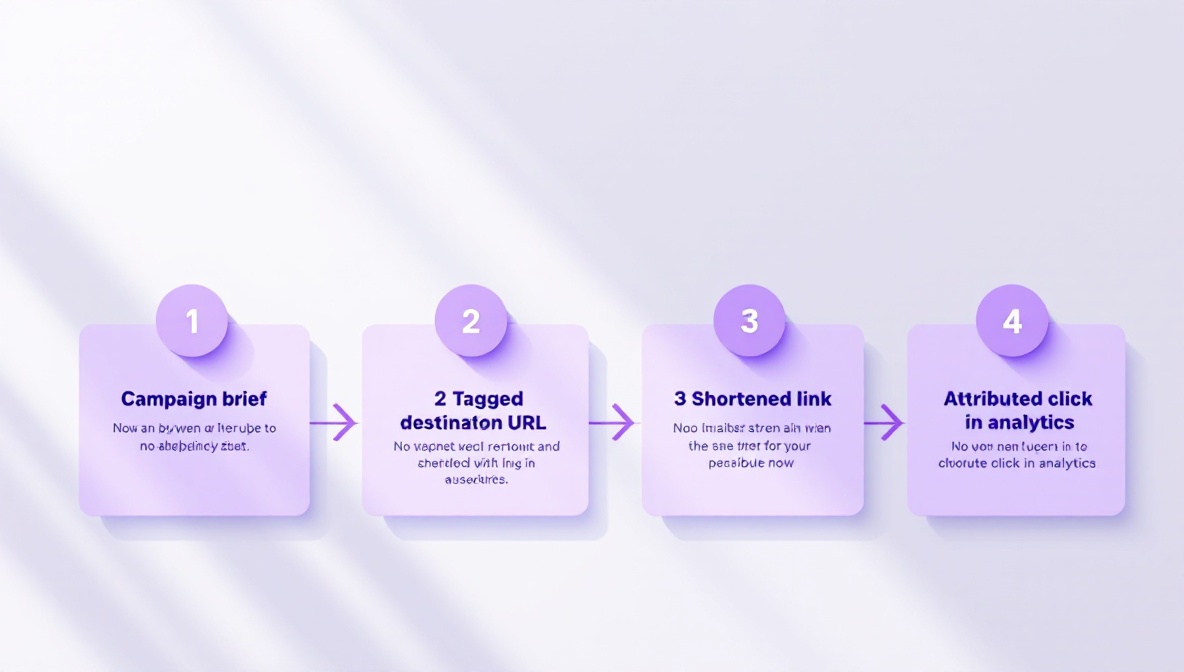
  <figcaption>The end-to-end workflow: brief → tagged destination → shortened link → distributed artifact → attributed click.</figcaption>
</figure>

<h2 id="a-practical-workflow">A practical workflow</h2>

<ol>
  <li>Decide on a campaign name and write it in your link-management tool’s
title field.</li>
  <li>Build the destination URL with full UTM parameters using your vocabulary.</li>
  <li>Shorten the full URL (with UTMs). Give the short link a memorable slug.</li>
  <li>Test the click path: short link → expected destination, UTMs intact, the
visit appears in your analytics under the right campaign.</li>
  <li>Distribute the short link, not the long one. Never distribute both — if
anyone has the long URL, half your clicks will arrive untagged.</li>
</ol>

<p>Done well, the combination gives you a clean campaign roll-up, a stable
short link you can swap if anything changes, and click counts that don’t
depend on the destination’s analytics being healthy. That last property is
what makes the pairing worth the setup time.</p>]]></content><author><name>thinly-team</name></author><category term="analytics" /><category term="utm" /><category term="campaigns" /><summary type="html"><![CDATA[UTM parameters and short links are two of the oldest tools in the digital marketer’s kit, and most teams use them badly together. The usual symptom is a Google Analytics report that lumps every paid campaign into a single utm_source=newsletter bucket because someone reused the same UTM string across six different sends, or the opposite — twenty subtly different utm_campaign values for what should have been one campaign. Both problems have the same root cause: nobody on the team owns the link-generation step.]]></summary><media:thumbnail xmlns:media="http://search.yahoo.com/mrss/" url="https://thin.ly/blog/assets/images/utm-parameters/hero.jpg" /><media:content medium="image" url="https://thin.ly/blog/assets/images/utm-parameters/hero.jpg" xmlns:media="http://search.yahoo.com/mrss/" /></entry><entry><title type="html">QR Codes for Print Marketing: What Actually Works</title><link href="https://thin.ly/blog/qr-codes-for-print-marketing/" rel="alternate" type="text/html" title="QR Codes for Print Marketing: What Actually Works" /><published>2026-05-18T00:00:00-04:00</published><updated>2026-05-18T00:00:00-04:00</updated><id>https://thin.ly/blog/qr-codes-for-print-marketing</id><content type="html" xml:base="https://thin.ly/blog/qr-codes-for-print-marketing/"><![CDATA[<p>QR codes had a strange second life. They sat dormant in consumer marketing
for nearly a decade because users had to install a separate app to read
them, and then they came back overnight when iOS and Android put a QR
reader directly into the camera. Today every restaurant menu and event
badge has one. Most of them are bad — quietly bad, in ways that don’t
show up until the print run is done and someone notices the scan numbers
are a third of what they should be.</p>

<p>This is a guide to making QR codes that actually work in printed materials:
what dynamic QR codes are, why static QR codes will hurt you, the size and
contrast rules, and the small craft details that decide whether anybody
scans them.</p>

<h2 id="static-qr-codes-vs-dynamic-qr-codes">Static QR codes vs dynamic QR codes</h2>

<p>A QR code is just a 2D barcode encoding a string of text. If that string is
a URL, the user’s camera offers to open it. Everything else — branding,
analytics, the ability to change the destination later — depends on what’s
in that string.</p>

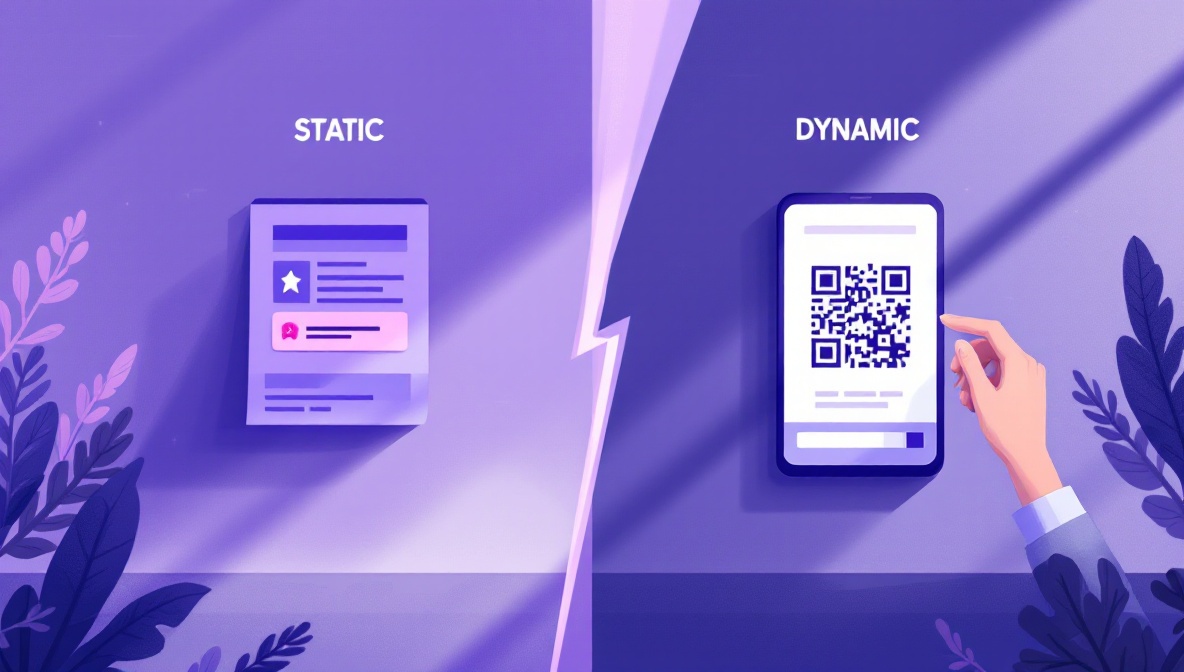
<p>A <strong>static QR code</strong> encodes the destination URL directly. Scanning the
code takes you straight to <code class="language-plaintext highlighter-rouge">https://acme.com/menu/spring-2026</code>. The QR
pattern is determined by the URL: longer URLs need denser patterns. If you
ever want to change the destination, you cannot — the pattern is already
printed. The destination URL must outlive the campaign.</p>

<p>A <strong>dynamic QR code</strong> encodes a short URL: <code class="language-plaintext highlighter-rouge">https://thin.ly/spring-menu</code>.
The user’s camera opens that short URL, the server redirects to the real
destination. The destination can be swapped at any time without reprinting
anything. The QR pattern is also simpler because the encoded string is
short, which means the printed code can be smaller while remaining
scannable.</p>

<p>For anything that goes to print, <strong>use a dynamic QR code unless you are
absolutely certain the destination will never change</strong>. The cost of being
wrong is reprinting. The cost of being right early is nothing.</p>

<figure>
  <img src="/blog/assets/images/qr-codes-for-print/dynamic-vs-static.jpg" alt="Dynamic versus static QR code comparison" loading="lazy" />
  <figcaption>Static codes lock the destination at print time. Dynamic codes let you change the destination without reprinting — the only sensible choice for anything that goes to press.</figcaption>
</figure>

<h2 id="sizing">Sizing</h2>

<p>The two failure modes for printed QR codes are “too small to scan” and
“large enough but printed too close to other dark elements.” Both have
specific thresholds.</p>

<p>The minimum scannable size depends on the distance between the camera and
the code. As a rule of thumb, the code’s side length should be 1/10th of
the expected scan distance:</p>

<table>
  <thead>
    <tr>
      <th>Scan distance</th>
      <th>Minimum side length</th>
    </tr>
  </thead>
  <tbody>
    <tr>
      <td>30 cm (handheld brochure)</td>
      <td>3 cm (1.2”)</td>
    </tr>
    <tr>
      <td>1 m (counter card)</td>
      <td>10 cm (4”)</td>
    </tr>
    <tr>
      <td>3 m (poster across a room)</td>
      <td>30 cm (12”)</td>
    </tr>
    <tr>
      <td>10 m (billboard)</td>
      <td>1 m (40”)</td>
    </tr>
  </tbody>
</table>

<p>These are minimums. Add 20% for outdoor billboards and anything that might
be photographed at an angle. The most common mistake is reusing a small
brochure-sized QR code on a poster that lives across a hotel lobby.</p>

<figure>
  <img src="/blog/assets/images/qr-codes-for-print/sizing.jpg" alt="Large QR code on a hotel-lobby poster" loading="lazy" />
  <figcaption>The most common sizing failure is reusing a brochure-sized QR code on a poster across a room. Side length should be roughly 1/10th the scan distance.</figcaption>
</figure>

<h2 id="contrast-and-quiet-zone">Contrast and quiet zone</h2>

<p>QR readers need high contrast and a clear border. Two rules:</p>

<ol>
  <li><strong>Dark code on a light background.</strong> Inverted QR codes (light on dark)
work in software but fail in many phone-camera apps because the camera’s
auto-exposure assumes dark-on-light. If your brand demands light-on-dark,
test on three different phones before printing.</li>
  <li><strong>Quiet zone of at least 4 modules.</strong> A “module” is one of the small
squares that make up the pattern. The quiet zone is the empty margin
around the code. Without it, surrounding dark elements (a black border,
a photo, a column of text) merge with the code’s edge and the reader
gives up. Four modules is the spec’s minimum; six modules is safer.</li>
</ol>

<p>If you must put the code over a photo, use a solid white box behind it
with the quiet zone inside the box. The marketing-design impulse to
“integrate” the code with surrounding imagery is the single biggest source
of failed prints.</p>

<h2 id="what-surrounds-the-code-matters-as-much-as-the-code">What surrounds the code matters as much as the code</h2>

<p>A QR code with no accompanying text gets ignored. Users need to know why
they would scan it. A few rules that come from watching scan rates against
otherwise-identical layouts:</p>

<ul>
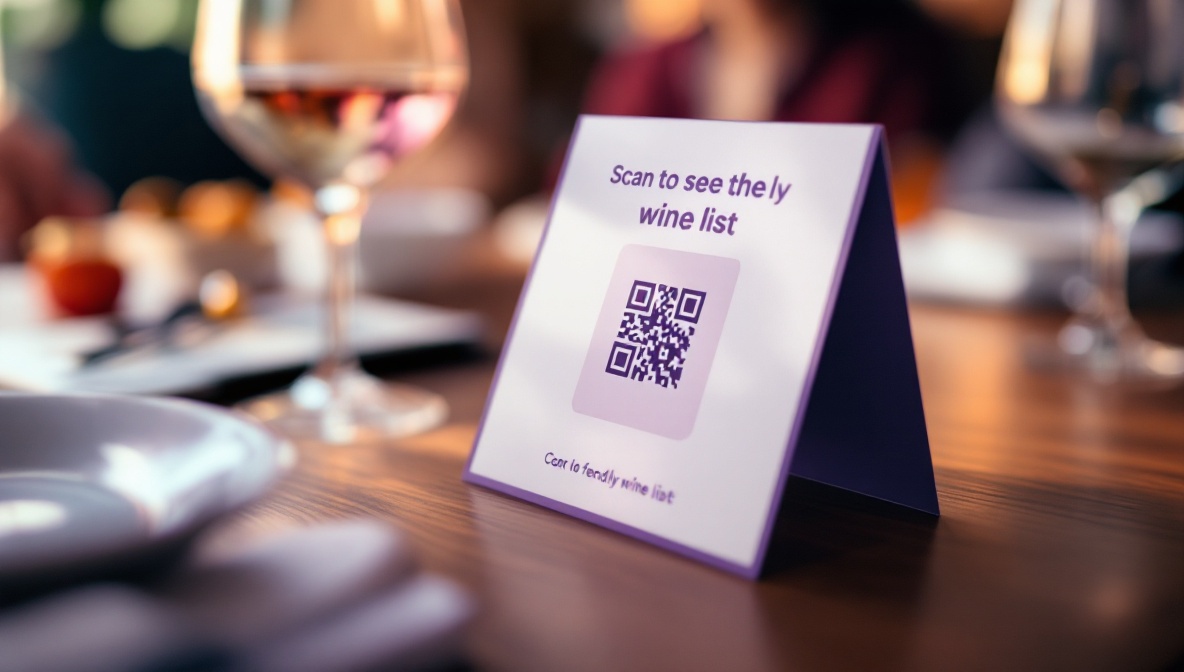
  <li><strong>Tell people what they get.</strong> “Scan to see the menu” beats “Scan
here.” Even a vague benefit beats no benefit.</li>
  <li><strong>Mention the platform.</strong> “Scan with your phone camera” is unnecessary in
2026 — every smartphone reads QR codes natively. But “Watch the video”
or “Read the recipe” tells the user what they’re committing to.</li>
  <li><strong>Put it near the call to action it supports.</strong> A QR code in the corner
of a poster, separated from the product photo, gets a tenth of the scans
of one placed next to the headline.</li>
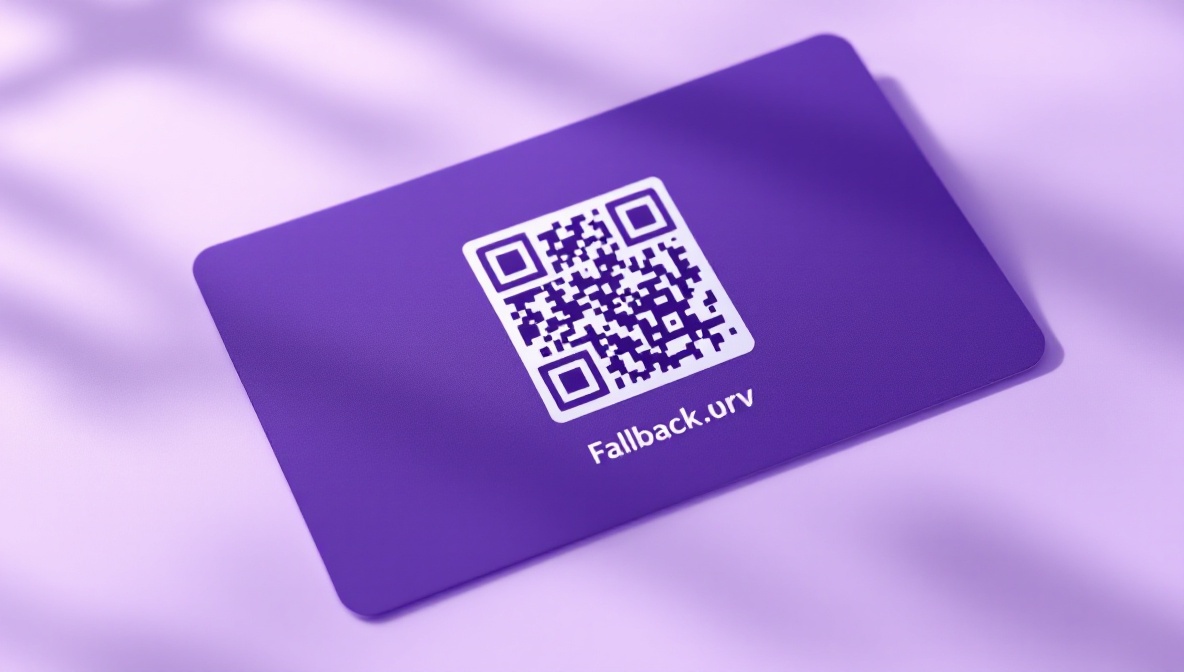
  <li><strong>Include a short URL as fallback.</strong> Print the short URL —
<code class="language-plaintext highlighter-rouge">thin.ly/spring-menu</code> — under the code in small type. Users on older
devices, in poor light, or with smudged camera lenses will type it in.
Roughly 5-10% of attempted scans fail; the short URL recovers those.</li>
</ul>

<figure>
  <img src="/blog/assets/images/qr-codes-for-print/context.jpg" alt="QR code printed beside a clear product photo with explanatory text" loading="lazy" />
  <figcaption>The text and imagery around a QR code do more for scan rates than the code's own design. "Scan to see the menu" outperforms "Scan here" every time.</figcaption>
</figure>

<h2 id="tracking-print-only-campaigns">Tracking print-only campaigns</h2>

<p>The point of a dynamic short link behind a QR code is that you get click
analytics on a campaign that otherwise has no telemetry at all. A printed
poster doesn’t fire a Google Analytics event when someone walks past it,
but the moment they scan the code, your link service records the click
with timestamp, country, device, and referrer. Over a campaign you can
see:</p>

<ul>
  <li>Total scans and unique scanners (most short-link services dedupe by IP).</li>
  <li>Geographic distribution, useful for figuring out which locations got the
best foot traffic.</li>
  <li>Time-of-day patterns, which often reveal when the poster is actually
being noticed.</li>
  <li>Device split, which sometimes shows surprising things — print campaigns
aimed at older demographics often get more iPad scans than expected.</li>
</ul>

<p>UTM parameters on the destination give you the same data inside your web
analytics, with the bonus that you can see what users did after they
landed.</p>

<h2 id="the-reusability-dividend">The reusability dividend</h2>

<p>The strongest argument for dynamic QR codes is the long tail. A static
code on a 2024 menu is dead the moment the menu changes. A dynamic code on
the same menu can be repurposed in 2025 by changing the destination — the
print artifact keeps working. Restaurants we’ve talked to who switched to
dynamic codes ended up using the same printed laminated menus through
three menu cycles, swapping the URL twice. Same physical cost, three
times the lifespan.</p>

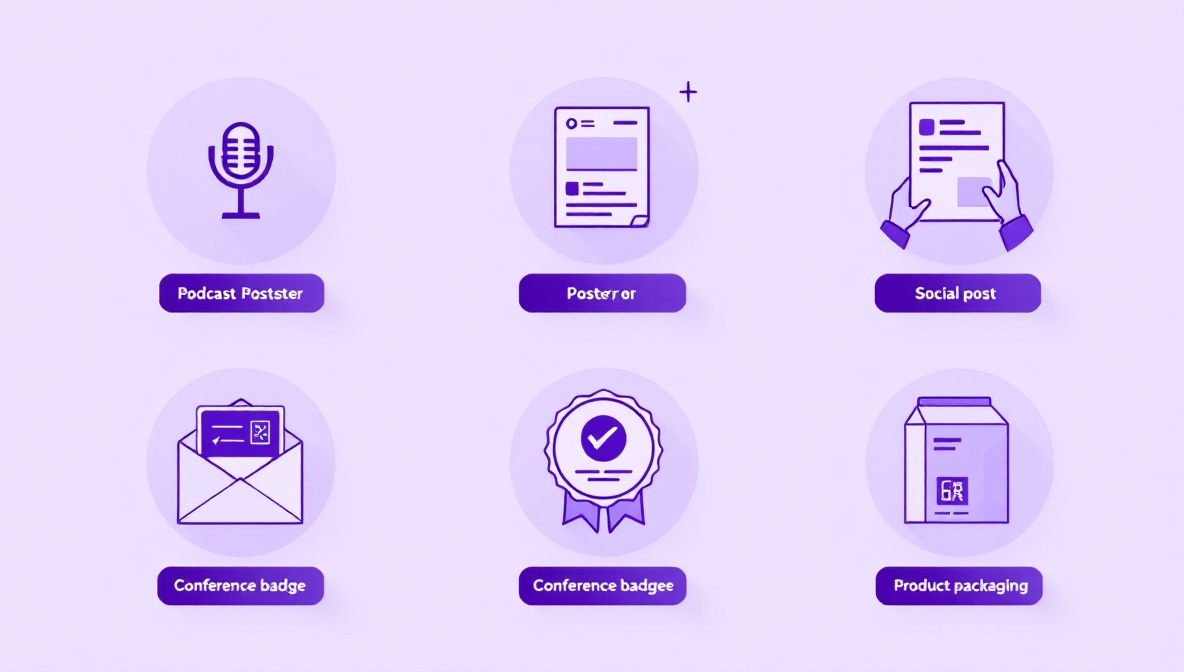
<p>The same pattern works for product packaging, conference badges, vehicle
livery, real estate signs — anywhere reprinting is expensive and the
destination might shift. Dynamic codes are the cheaper option once you
factor in the second print run you would otherwise have done.</p>

<h2 id="a-pre-flight-checklist">A pre-flight checklist</h2>

<p>Before sending a layout to print:</p>

<ol>
  <li>The QR code is dynamic (encodes a short URL, not the destination).</li>
  <li>The destination URL has UTM parameters set for this print campaign.</li>
  <li>The code is sized for the actual viewing distance.</li>
  <li>The quiet zone is at least four modules clear of surrounding artwork.</li>
  <li>Contrast is dark on light, and tested on three phones in average
lighting.</li>
  <li>The short URL is printed under the code as a fallback.</li>
  <li>The accompanying text tells the user what they get by scanning.</li>
  <li>You’ve placed a single test scan from each phone OS before the press
run.</li>
</ol>

<p>The last item costs ten minutes and saves more reprints than any other
pre-flight check on the list.</p>]]></content><author><name>thinly-team</name></author><category term="qr-codes" /><category term="print" /><category term="design" /><summary type="html"><![CDATA[QR codes had a strange second life. They sat dormant in consumer marketing for nearly a decade because users had to install a separate app to read them, and then they came back overnight when iOS and Android put a QR reader directly into the camera. Today every restaurant menu and event badge has one. Most of them are bad — quietly bad, in ways that don’t show up until the print run is done and someone notices the scan numbers are a third of what they should be.]]></summary><media:thumbnail xmlns:media="http://search.yahoo.com/mrss/" url="https://thin.ly/blog/assets/images/qr-codes-for-print/hero.jpg" /><media:content medium="image" url="https://thin.ly/blog/assets/images/qr-codes-for-print/hero.jpg" xmlns:media="http://search.yahoo.com/mrss/" /></entry><entry><title type="html">Understanding Link Analytics: What the Numbers Actually Mean</title><link href="https://thin.ly/blog/understanding-link-analytics/" rel="alternate" type="text/html" title="Understanding Link Analytics: What the Numbers Actually Mean" /><published>2026-05-11T00:00:00-04:00</published><updated>2026-05-11T00:00:00-04:00</updated><id>https://thin.ly/blog/understanding-link-analytics</id><content type="html" xml:base="https://thin.ly/blog/understanding-link-analytics/"><![CDATA[<p>Every link-management dashboard shows the same four or five numbers:
total clicks, unique clicks, top countries, top referrers, device split.
They’re useful for sanity-checking that a campaign is running, and not
much else by default. The interesting work starts when you treat those
numbers as inputs to specific questions instead of as the report itself.</p>

<p>This article goes through the standard metrics, what they actually
measure, and the questions they’re worth asking.</p>

<h2 id="clicks-vs-unique-clicks">Clicks vs. unique clicks</h2>

<p>Total clicks is the count of redirects served. Unique clicks dedupes by
visitor, usually by IP address combined with a short time window.</p>

<p>The gap between the two tells you something the headline number doesn’t.
A 50% unique rate (10 total clicks, 5 unique visitors) means heavy
revisitation — your audience is bouncing back to the link multiple times,
which is normal for documentation, reference pages, and resources people
need repeatedly. A 95% unique rate (10 clicks, 9.5 unique) means each
visitor came once and didn’t return — normal for promotional links and
one-time content.</p>

<p>Neither pattern is “good” or “bad” on its own. They are a signal about
the relationship between your content and your audience. A documentation
link with a 95% unique rate suggests people aren’t returning to consult
it, which means either the content was insufficient or one-and-done was
the right outcome. A promotional link with a 50% unique rate is
suspicious — you may be looking at click farms, ad-network bots, or
your own QA team clicking repeatedly.</p>

<p>The most important caveat: IP-based deduplication is approximate. Two
users on the same office NAT show up as one IP. One user on a mobile
network that rotates IPs shows up as several. Trust the trends, not the
absolute numbers.</p>

<figure>
  <img src="/blog/assets/images/link-analytics/uniques.jpg" alt="Chart comparing total clicks to unique clicks over time" loading="lazy" />
  <figcaption>The gap between total and unique clicks tells you whether your audience is returning. Headline numbers hide this; the ratio shows it.</figcaption>
</figure>

<h2 id="geographic-distribution">Geographic distribution</h2>

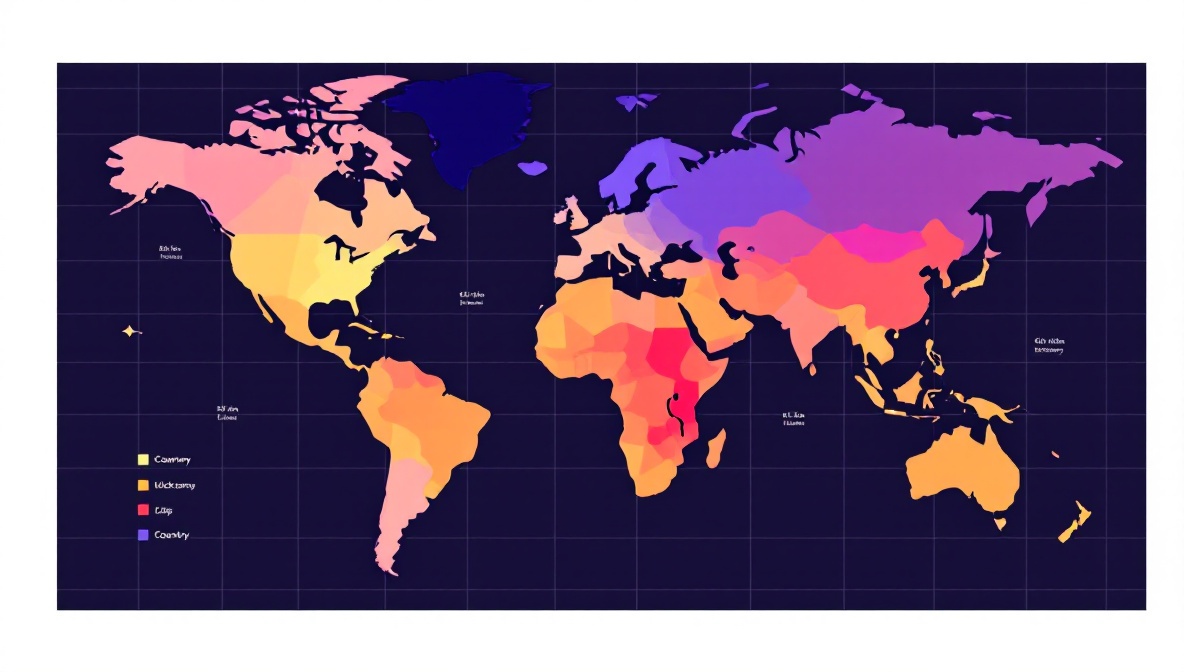
<p>Country-level data is reliable. City-level data is less reliable. Both
come from a GeoIP database that maps IP addresses to locations, and the
mapping has known limitations:</p>

<ul>
  <li>VPNs and proxies are very common. A user connecting through a
London VPN exit node shows up as a London click regardless of where
they actually are.</li>
  <li>Mobile carriers sometimes route traffic through gateways in different
regions than the user. A US user on T-Mobile occasionally shows up as
Seattle even if they’re in Atlanta.</li>
  <li>Cellular IPs can be reassigned across cities in minutes.</li>
</ul>

<p>The useful questions to ask:</p>

<ul>
  <li>Is the geographic shape <em>broadly</em> what you expected? If you ran a
campaign aimed at US small businesses and most of your clicks are in
Vietnam, you’re probably looking at scraper or bot traffic.</li>
  <li>Is the distribution stable across days, or do you have one spike from a
country you didn’t target? A single-day Brazil spike usually means you
got mentioned somewhere — a blog post, a forum thread, a newsletter.</li>
  <li>Are there countries you targeted that show no clicks? That’s worth
investigating before you blame the targeting; the GeoIP database may be
mis-mapping them.</li>
</ul>

<h2 id="referrers">Referrers</h2>

<p>The referrer is the URL of the page the user was on when they clicked.
It’s usually the most actionable piece of data on the dashboard because
it tells you which surfaces are actually sending traffic.</p>

<p>Limitations to know about:</p>

<ul>
  <li><strong>Direct traffic</strong> doesn’t mean someone typed your URL from memory. It
means the browser sent no referrer header. The most common cause is a
click from inside an app — Slack, Discord, WhatsApp, Twitter — where
the platform doesn’t expose the originating URL. Mobile clicks are
disproportionately “direct” for this reason.</li>
  <li><strong>HTTPS-to-HTTP</strong> links strip the referrer for privacy. Increasingly
rare now that almost everything is HTTPS.</li>
  <li><strong>Referrer policies</strong> (<code class="language-plaintext highlighter-rouge">Referrer-Policy: no-referrer</code>) on the source
site strip the value. Search engines and major social platforms apply
policies that send only the origin, not the full URL — you’ll see
<code class="language-plaintext highlighter-rouge">google.com</code> but not the specific search results page.</li>
</ul>

<p>A high “direct” share isn’t a failure; it usually means messaging-app
traffic is doing the work. If you’re running a campaign and direct
clicks are 70% of the total, look for the conversation. There’s a Slack
or WhatsApp or Discord thread out there driving the campaign that
doesn’t appear in your referrer report.</p>

<figure>
  <img src="/blog/assets/images/link-analytics/geo.jpg" alt="World map heatmap of click density by country" loading="lazy" />
  <figcaption>Country-level GeoIP data is reliable for trends, less reliable for individual visitors. VPNs, mobile carriers and corporate gateways all skew the map.</figcaption>
</figure>

<h2 id="device-split">Device split</h2>

<p>The mobile/desktop/tablet split tells you what kind of moment the click
represents. A short link distributed via email shows desktop dominance
during work hours and a slow shift to mobile in the evening. A short
link distributed on Instagram Stories is 95%+ mobile by definition.</p>

<p>Device data is reliable because it’s parsed from the user-agent header,
which mobile devices and desktops set distinctively. It is not reliable
for distinguishing tablets from large phones — iPads identify as
tablets, but Android tablets often identify as desktops or phones
depending on the browser, and most analytics tools count them
inconsistently.</p>

<p>The interesting question is whether the device split matches the
distribution channel. A campaign you ran on LinkedIn — a
desktop-dominant platform — that turns out to be 80% mobile clicks
suggests the link traveled. Someone shared it onward, probably via
messaging. That’s a story worth investigating.</p>

<h2 id="click-through-rate-ctr">Click-through rate (CTR)</h2>

<p>CTR is impressions divided by clicks. Link services typically don’t show
CTR because they don’t see impressions — they only see the click side.
If you have impressions data from another source (an ad platform, an
email tool, a social analytics dashboard), you can compute CTR
manually: clicks on the short link divided by impressions of the
container.</p>

<p>Industry benchmarks for CTR are noisier than the published numbers
suggest. A “1-3% CTR” for display ads is so context-dependent that the
range is almost useless. Better practice: establish your own
campaign-class baseline and compare against it. CTR on your prior
newsletter campaigns, CTR on your prior LinkedIn posts, CTR on your
prior conference-poster QR codes. Year-over-year comparison against
yourself is more honest than industry benchmarks.</p>

<figure>
  <img src="/blog/assets/images/link-analytics/hourly.jpg" alt="24-hour histogram showing click distribution by hour of day" loading="lazy" />
  <figcaption>A 24-hour histogram reveals more about your audience than the raw click count. B2B clusters in working hours; consumer content peaks late.</figcaption>
</figure>

<h2 id="time-of-day-distribution">Time-of-day distribution</h2>

<p>A 24-hour histogram of clicks is more revealing than it looks. Three
patterns to watch for:</p>

<ol>
  <li><strong>Working-hours skew.</strong> B2B audiences cluster between 9am and 6pm
local time, with a lunchtime dip. If your dashboard shows a flat
24-hour distribution for a B2B campaign, you may be looking at
bot or click-fraud traffic.</li>
  <li><strong>Late-night peaks.</strong> Consumer content and entertainment often
peak between 9pm and midnight. If you’re targeting professionals
and seeing this pattern, your audience definition is off.</li>
  <li><strong>Sudden spikes.</strong> A 30-minute spike at 4:17am, followed by silence,
is almost always a script. Either a scraper, an uptime monitor that
accidentally followed the link, or a CI system. The clicks are real
but they’re not human and you should filter them out.</li>
</ol>

<h2 id="what-none-of-these-metrics-tell-you">What none of these metrics tell you</h2>

<p>A click is not a conversion. Link analytics measure interest in the
<em>offer</em>, not engagement with the destination. You can have a beautiful
1,000-click report on a campaign that converted nobody, because the
landing page was broken or the offer didn’t match the audience.</p>

<p>Pair click analytics with destination-side analytics — GA4, your CRM,
your billing system — and look for the drop-offs. Most teams that
“have analytics” are actually only reading the click report, and they
miss the part of the story that happens after the redirect.</p>

<p>The question your link analytics can answer is “did the message land
and where are the people coming from.” The question your destination
analytics can answer is “did the message work.” Both halves matter.
Neither replaces the other.</p>]]></content><author><name>thinly-team</name></author><category term="analytics" /><category term="metrics" /><summary type="html"><![CDATA[Every link-management dashboard shows the same four or five numbers: total clicks, unique clicks, top countries, top referrers, device split. They’re useful for sanity-checking that a campaign is running, and not much else by default. The interesting work starts when you treat those numbers as inputs to specific questions instead of as the report itself.]]></summary><media:thumbnail xmlns:media="http://search.yahoo.com/mrss/" url="https://thin.ly/blog/assets/images/link-analytics/hero.jpg" /><media:content medium="image" url="https://thin.ly/blog/assets/images/link-analytics/hero.jpg" xmlns:media="http://search.yahoo.com/mrss/" /></entry><entry><title type="html">URL Shortener Security: Threats, Defenses, and What Users Don’t See</title><link href="https://thin.ly/blog/url-shortener-security/" rel="alternate" type="text/html" title="URL Shortener Security: Threats, Defenses, and What Users Don’t See" /><published>2026-05-04T00:00:00-04:00</published><updated>2026-05-04T00:00:00-04:00</updated><id>https://thin.ly/blog/url-shortener-security</id><content type="html" xml:base="https://thin.ly/blog/url-shortener-security/"><![CDATA[<p>Short links are a high-trust medium. Users click them without seeing
the destination. That’s the whole point — you trade a long, ugly URL
for one that fits in a tweet, on a poster, in an SMS. But the
trade-off only works if the user can trust the shortener to not be
sending them somewhere malicious.</p>

<p>The history of URL shorteners is the history of failed trust. Cheap
shorteners get used by spammers, phishers and malware distributors
the moment they get enough traction. Eventually mail providers,
browsers and ad networks start treating short-link domains as suspect.
The shortener gets blocked at the network edge, legitimate users
stop being able to deliver email through it, and the service dies.</p>

<p>This article goes through the threat model from a defender’s
perspective: what an attacker tries to do with a URL shortener, what
serious shorteners (including ours) do to stop them, and what users
should look for when deciding whether to trust a short link.</p>

<h2 id="the-threat-model">The threat model</h2>

<p>There are four broad categories of malicious use:</p>

<ol>
  <li><strong>Malware delivery.</strong> The short link points at a drive-by download,
an exploit page targeting an unpatched browser, or a software
bundle that asks the user to install it.</li>
  <li><strong>Phishing.</strong> The short link points at a fake login page,
typically mimicking a major service (Microsoft 365, Google, a
bank, a crypto exchange) to harvest credentials.</li>
  <li><strong>Scam content.</strong> Fake giveaways, fraudulent investment schemes,
pages that demand payment for things the user is not actually
receiving.</li>
  <li><strong>Policy-violating content</strong> that is legal but prohibited by the
shortener’s terms — typically adult content, gambling that
violates local law, or content that mass-violates someone else’s
intellectual property.</li>
</ol>

<p>Each of these has a different defense profile.</p>

<figure>
  <img src="/blog/assets/images/url-shortener-security/threats.jpg" alt="Diagram showing four categories of malicious link use" loading="lazy" />
  <figcaption>Four threat categories — malware, phishing, scams, policy violations — each with a different defense profile.</figcaption>
</figure>

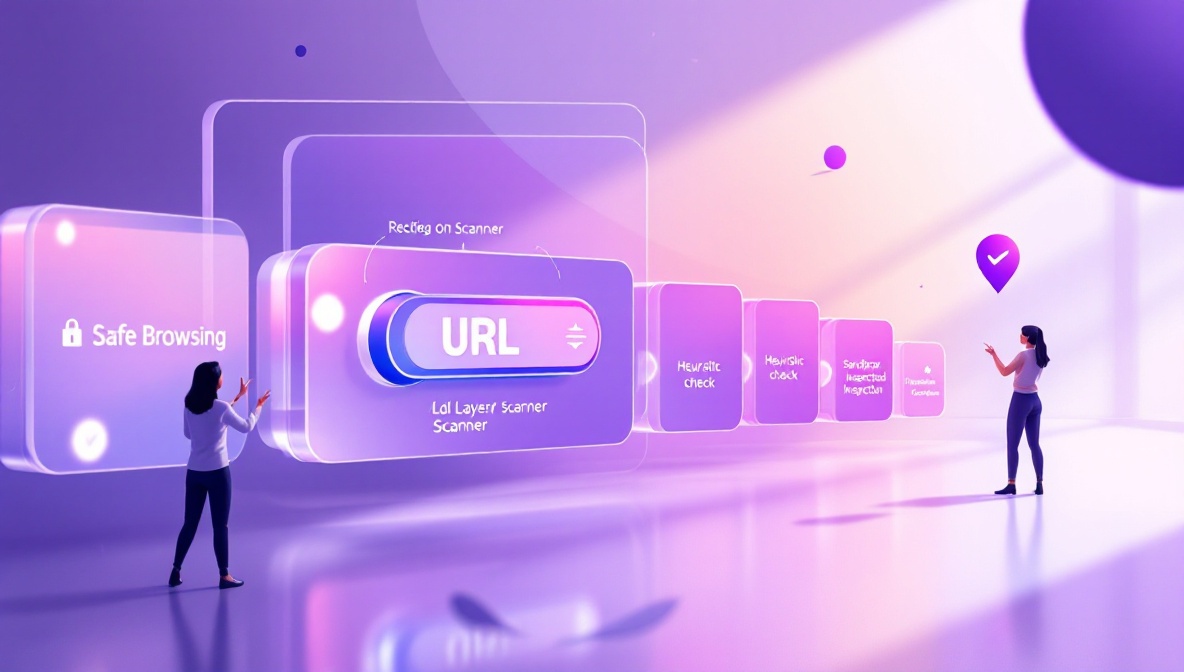
<h2 id="pre-creation-scanning">Pre-creation scanning</h2>

<p>The first defense is at the moment of link creation. When a user
submits a destination URL, the shortener can check it against several
sources before issuing a short link:</p>

<ul>
  <li><strong>Google Safe Browsing.</strong> Google publishes a list of URLs known to
host malware or phishing content. The list is updated frequently
and used by Chrome, Firefox and most browser-integrated
protections. Querying it at link-creation time catches the
largest, most-reported threats.</li>
  <li><strong>Known-bad domain lists.</strong> Independent threat feeds maintain lists
of domains used for spam, phishing kits, exploit kits, and
command-and-control infrastructure. The list overlap with Safe
Browsing is partial — each catches a different long tail.</li>
  <li><strong>Heuristic checks.</strong> Newly-registered domains (under 30 days old),
domains with characters chosen to mimic well-known brands
(<code class="language-plaintext highlighter-rouge">g00gle.com</code>, <code class="language-plaintext highlighter-rouge">microsft.com</code>), URLs with hex-encoded parameters
designed to evade pattern matching — these are flagged for review
even when they’re not yet on any threat list.</li>
</ul>

<p>Links that fail pre-creation scanning are either rejected outright or
quarantined for human review. At thin.ly, links we can’t scan with
high confidence in under a few seconds are issued but flagged for
re-scan, and the destination is blocked behind a safety interstitial
until the scan completes.</p>

<h2 id="post-creation-rescanning">Post-creation rescanning</h2>

<p>Pre-creation scanning catches the obvious cases. The more interesting
problem is <em>delayed weaponization</em>: an attacker shortens a benign
URL, waits a few weeks for the link to accumulate trust and
distribution, and then quietly changes the destination’s content to
something malicious. The short link is unchanged. The destination is
not.</p>

<p>The defense is periodic rescanning. Every short link’s destination is
re-checked on a schedule — more frequently for high-traffic links —
and any destination that has flipped from benign to malicious
triggers an automatic block. At that point, anyone clicking the
short link sees a safety interstitial instead of the malicious page.</p>

<p>This is also why we recommend treating a short-link service as a
trust boundary in your own infrastructure. If you embed user-supplied
URLs in your product, route them through a shortener with
rescanning. The benefit is that the shortener absorbs the cost of
keeping up with new threat feeds and you get free rescanning as a
side effect.</p>

<h2 id="sandboxed-inspection">Sandboxed inspection</h2>

<p>For destinations that aren’t yet on any threat list, dynamic analysis
sometimes catches things static checks miss. A sandboxed browser
fetches the destination, executes scripts, watches for redirects to
known-bad domains, watches for credential-collection forms,
fingerprints the page against known phishing-kit templates.
Sandboxing is expensive — milliseconds become seconds — so most
shorteners apply it selectively: flagged-on-creation links, high-risk
categories, or as a background job after the link is issued.</p>

<figure>
  <img src="/blog/assets/images/url-shortener-security/scanning.jpg" alt="Server inspecting a URL through multiple scanning layers" loading="lazy" />
  <figcaption>Pre-creation scanning catches the obvious. Periodic rescanning catches delayed weaponization — the more interesting problem.</figcaption>
</figure>

<h2 id="the-role-of-interstitials">The role of interstitials</h2>

<p>When a destination has been blocked, what happens at click time?</p>

<p>Two options. The bad one: hard 404. The user gets no explanation, and
they have no idea whether the link was broken, the destination was
removed, or something dangerous was happening. Worse, the link is
silently broken for the legitimate users who haven’t been
compromised.</p>

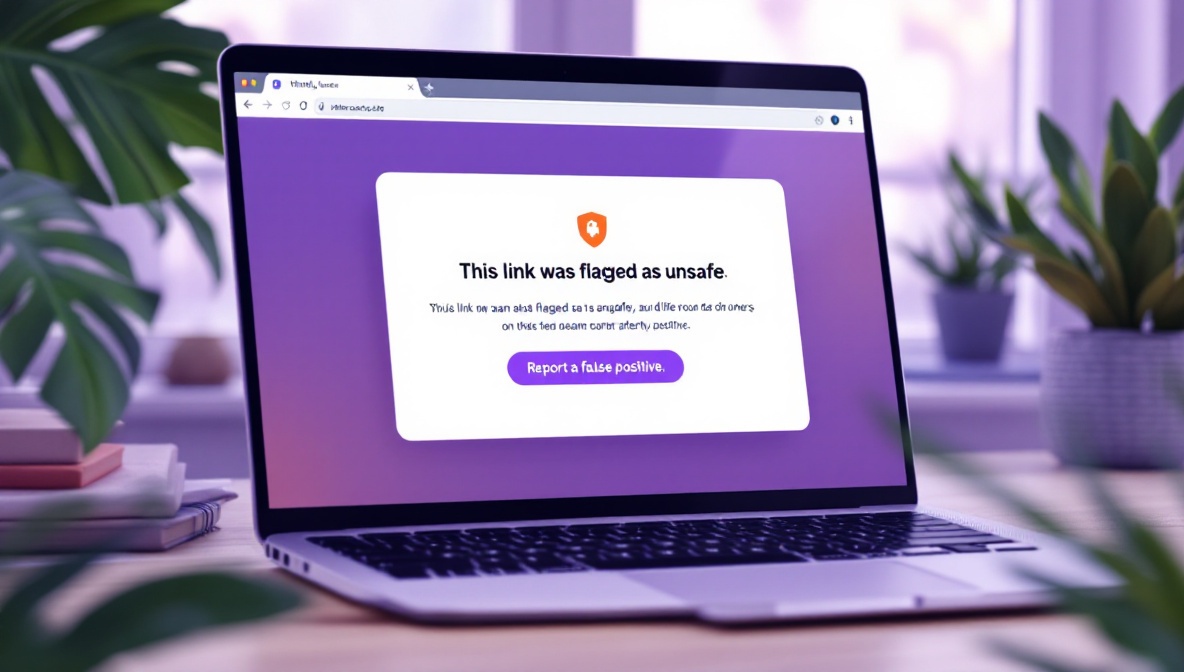
<p>The good option: a safety interstitial. The user clicks the short
link, the server detects that the destination is blocked, and instead
of redirecting it renders a clear page explaining that the
destination was flagged as unsafe and giving the user a way to report
a false positive. The user understands what happened, the link
creator gets a signal that something is wrong, and the malicious
destination never loads in the user’s browser.</p>

<p>thin.ly uses interstitials for both flagged destinations and for
paused/expired campaigns where there is no longer a valid
destination. The interstitial does not load any third-party content.</p>

<figure>
  <img src="/blog/assets/images/url-shortener-security/interstitial.jpg" alt="Browser showing a safety interstitial page warning about a blocked link" loading="lazy" />
  <figcaption>A safety interstitial tells the user what happened. Silent 404s leave them confused; explicit blocks build trust.</figcaption>
</figure>

<h2 id="what-users-can-do">What users can do</h2>

<p>A few practical habits for evaluating short links you didn’t create
yourself:</p>

<ul>
  <li><strong>Preview before clicking.</strong> Most shorteners offer a preview URL
pattern. For thin.ly, <code class="language-plaintext highlighter-rouge">https://thin.ly/preview/&lt;slug&gt;</code> shows the
destination without redirecting. Many browser extensions add this
capability for all shorteners.</li>
  <li><strong>Trust the wrapper, not the slug.</strong> A real <code class="language-plaintext highlighter-rouge">thin.ly</code> link will
always be on <code class="language-plaintext highlighter-rouge">thin.ly</code>. A link that says <code class="language-plaintext highlighter-rouge">thin1y.com</code> or
<code class="language-plaintext highlighter-rouge">thinly.co</code> is not us — homograph attacks rely on users
pattern-matching on shape rather than reading the domain.</li>
  <li><strong>Distrust short links from unknown senders.</strong> The same rule that
applies to executables applies here: if you don’t know why this
message arrived, don’t follow the link, no matter how short or
branded it looks.</li>
</ul>

<h2 id="what-link-creators-can-do">What link creators can do</h2>

<p>If you operate a short-link campaign:</p>

<ul>
  <li>Use HTTPS destinations. Mixed-content warnings will lose you trust
even on legitimate campaigns.</li>
  <li>Use a short, memorable slug rather than the auto-generated one
whenever you can. <code class="language-plaintext highlighter-rouge">thin.ly/spring-menu</code> reads as legitimate;
<code class="language-plaintext highlighter-rouge">thin.ly/aB3xY9q</code> reads as suspicious to careful users.</li>
  <li>Use a branded domain if you can. A custom short domain
(<code class="language-plaintext highlighter-rouge">acme.link/spring</code>) carries the brand into the link and prevents
it from being mistaken for someone else’s service.</li>
  <li>Watch the click report. A campaign whose clicks are 90% from one
country you didn’t target, or are arriving in suspiciously
uniform bursts, may have been picked up by a scraper or
injected into a botnet’s URL list. That’s a signal to rotate the
short link.</li>
</ul>

<h2 id="the-economics-of-staying-clean">The economics of staying clean</h2>

<p>Defending a shortener against abuse is continuous work, not a
one-time check. The asymmetry is brutal: an attacker has to find one
gap, the defender has to close all of them. The reason cheap
shorteners get blocked at network boundaries is that they don’t
invest in this work, and the bad actors find them quickly.</p>

<p>If you’re picking a shortener for a campaign, ask the vendor what
their post-creation rescanning policy is, what their abuse-reporting
flow looks like, and how they handle false positives. The answers
tell you whether they’re treating safety as a feature or as a cost
center.</p>]]></content><author><name>thinly-team</name></author><category term="security" /><category term="threat-detection" /><category term="policy" /><summary type="html"><![CDATA[Short links are a high-trust medium. Users click them without seeing the destination. That’s the whole point — you trade a long, ugly URL for one that fits in a tweet, on a poster, in an SMS. But the trade-off only works if the user can trust the shortener to not be sending them somewhere malicious.]]></summary><media:thumbnail xmlns:media="http://search.yahoo.com/mrss/" url="https://thin.ly/blog/assets/images/url-shortener-security/hero.jpg" /><media:content medium="image" url="https://thin.ly/blog/assets/images/url-shortener-security/hero.jpg" xmlns:media="http://search.yahoo.com/mrss/" /></entry><entry><title type="html">Branded vs. Generic Short Links: When Each One Makes Sense</title><link href="https://thin.ly/blog/branded-vs-generic-shorteners/" rel="alternate" type="text/html" title="Branded vs. Generic Short Links: When Each One Makes Sense" /><published>2026-04-27T00:00:00-04:00</published><updated>2026-04-27T00:00:00-04:00</updated><id>https://thin.ly/blog/branded-vs-generic-shorteners</id><content type="html" xml:base="https://thin.ly/blog/branded-vs-generic-shorteners/"><![CDATA[<p>Every URL shortener gives you the choice: use the service’s default
domain (<code class="language-plaintext highlighter-rouge">thin.ly/abc1234</code>) or pay a bit more to use your own
(<code class="language-plaintext highlighter-rouge">acme.link/launch</code>). Most marketing teams assume the branded option
is better and reach for it without thinking through the trade-offs.
Some teams assume it’s vanity and skip it. Both reflexes leave money
on the table.</p>

<p>This article is a decision framework: when a branded short domain
genuinely matters, when it’s overkill, and the in-between options
worth considering.</p>

<h2 id="what-a-branded-short-domain-actually-buys-you">What a branded short domain actually buys you</h2>

<p>Four things, in roughly descending importance:</p>

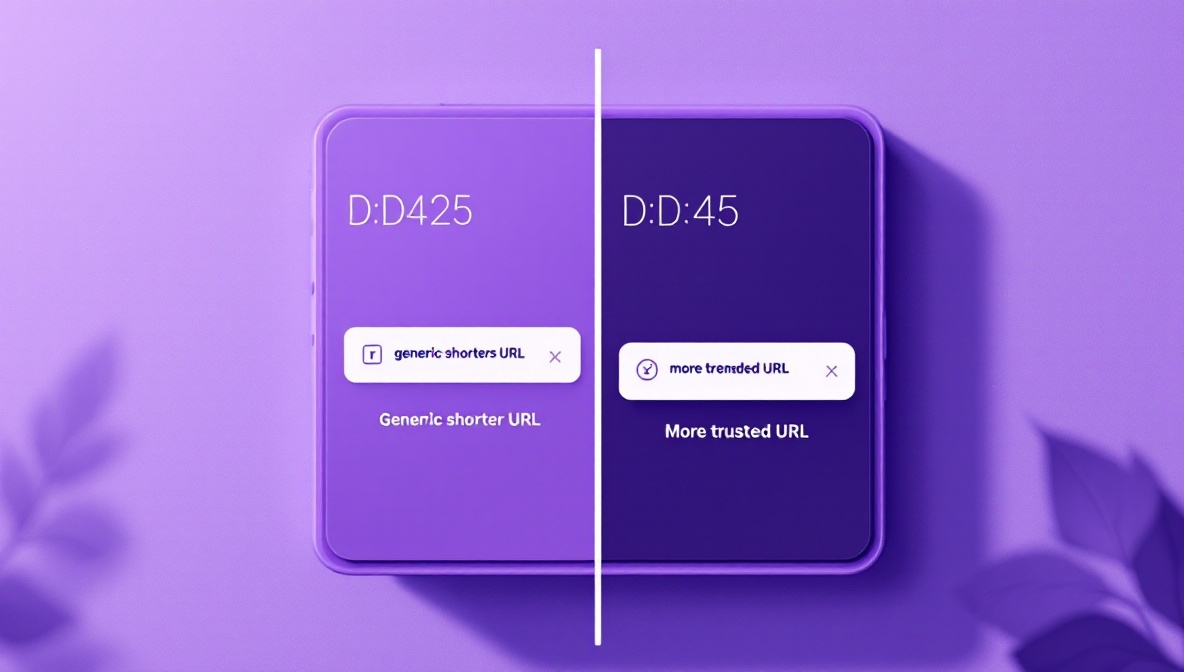
<p><strong>Trust at the click.</strong> Users are more likely to click a short link
on a domain they recognize as belonging to the sender. A LinkedIn
post from Acme that links to <code class="language-plaintext highlighter-rouge">acme.link/2026-launch</code> reads as
internal Acme content. The same post linking to a generic shortener
reads as “could be anyone.” For B2B audiences who have been trained
by years of phishing emails to look at the domain before clicking,
this matters more than the design.</p>

<p><strong>Brand impressions on every share.</strong> Every Slack, email, retweet,
and printed material that carries your short URL also carries your
brand name. Generic shorteners give that real-estate to the
shortener itself. If you’re running a 100,000-impression campaign,
the branded domain is showing your name 100,000 times for free.</p>

<p><strong>Survival of the shortener.</strong> When a generic shortener gets bought,
sunsets, or stops paying for its infrastructure, every short link
on its domain breaks. Bit.ly and TinyURL have been around long
enough that this feels safe, but the graveyard of dead shorteners
includes goo.gl (sunsetted by Google in 2024), j.mp, and a few dozen
others that have been bought and quietly shut. A branded domain is
yours; you control the DNS and the redirect logic regardless of who
provides the underlying service.</p>

<p><strong>Defensibility against copycats.</strong> A campaign run on a generic
shortener is trivial to mimic — competitors can register similar
slugs on the same domain, or on a sister generic shortener, and
intercept search traffic. A branded short domain is in your control;
nobody else can register slugs underneath it.</p>

<figure>
  <img src="/blog/assets/images/branded-vs-generic/trust.jpg" alt="Phone showing two link previews — one branded, one generic" loading="lazy" />
  <figcaption>For audiences that read URLs before clicking, the branded domain measurably lifts CTR. The effect is biggest in B2B contexts.</figcaption>
</figure>

<h2 id="what-it-costs">What it costs</h2>

<p>The full cost is rarely the cost the vendor quotes:</p>

<ul>
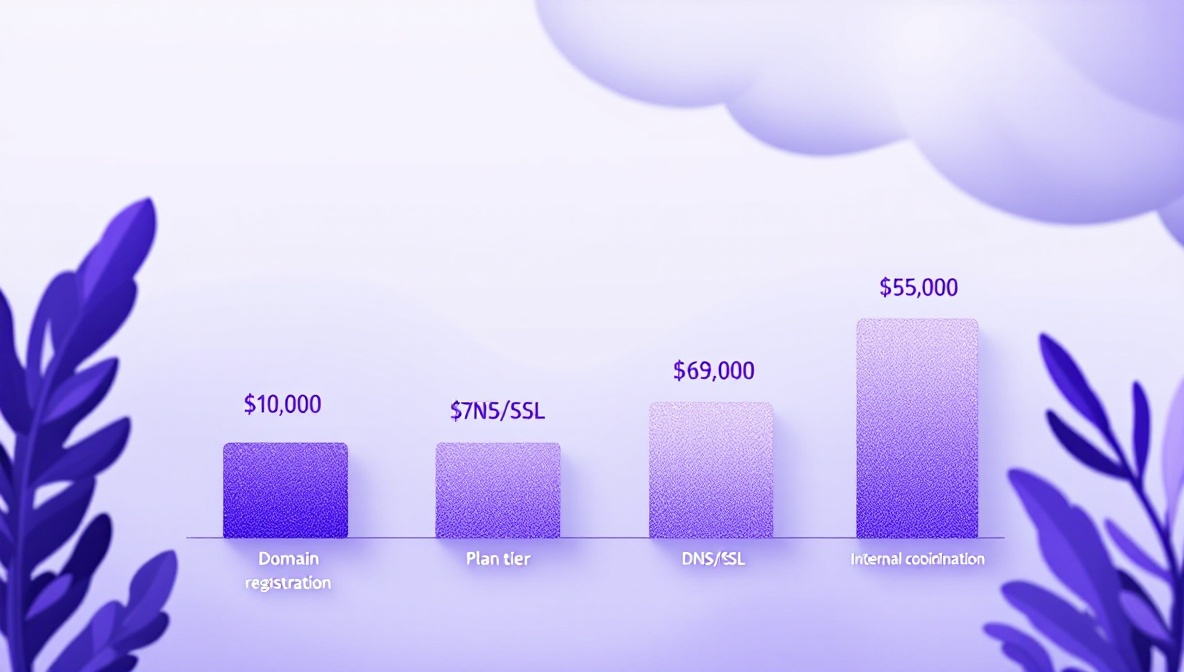
  <li><strong>The custom domain itself.</strong> A short, memorable domain — three
to five letters — in a popular TLD costs $30–$300 a year if
available, and four to six figures if you have to buy it on the
aftermarket. Newer TLDs (<code class="language-plaintext highlighter-rouge">.link</code>, <code class="language-plaintext highlighter-rouge">.page</code>, <code class="language-plaintext highlighter-rouge">.app</code>) tend to be
cheaper but less recognizable.</li>
  <li><strong>The plan tier.</strong> Most shorteners gate custom domains behind a
paid plan. The price varies but is typically $20–$100 per month
on top of the base subscription.</li>
  <li><strong>DNS and SSL.</strong> Trivial in 2026 — Let’s Encrypt and most managed
DNS providers handle this — but you need someone to do it once.</li>
  <li><strong>Internal coordination.</strong> Engineering needs to set up the
DNS, marketing needs to use it consistently, finance needs to
remember to renew the domain. The cost of failure (an expired
domain that breaks every active campaign link) is high.</li>
</ul>

<h2 id="when-the-branded-option-is-worth-it">When the branded option is worth it</h2>

<p>A few clear cases where the math works out:</p>

<ul>
  <li><strong>You’re running campaigns at scale.</strong> A campaign that puts your
short link in front of more than a few thousand people is
generating brand value the branded domain can capture.</li>
  <li><strong>You’re targeting a security-conscious audience.</strong> Enterprise
buyers, finance teams, IT, healthcare, government — all of them
have been trained to look at the domain before clicking. A
branded link gets a meaningful CTR lift in these audiences.</li>
  <li><strong>You’re embedding short links in print.</strong> A printed poster or
product packaging will be in circulation for months or years. The
branded domain locks in your brand recognition for the entire
campaign lifecycle.</li>
  <li><strong>You compete with copycats or impersonators.</strong> If your brand has
been spoofed before, a branded short domain is a defensive moat.
It is much harder to spoof <code class="language-plaintext highlighter-rouge">acme.link/login</code> than to spoof
<code class="language-plaintext highlighter-rouge">thin.ly/login-acme</code>.</li>
</ul>

<figure>
  <img src="/blog/assets/images/branded-vs-generic/cost.jpg" alt="Cost breakdown chart for branded custom-domain setup" loading="lazy" />
  <figcaption>The visible cost is the domain registration. The real cost is internal coordination — DNS, renewal, and consistency.</figcaption>
</figure>

<h2 id="when-the-generic-option-is-fine">When the generic option is fine</h2>

<ul>
  <li><strong>You’re a small team running occasional campaigns.</strong> The branded
domain pays for itself at volume; below that, you’re paying for
brand polish you don’t need yet.</li>
  <li><strong>The campaign is short-lived and internal.</strong> A one-week internal
comms campaign doesn’t need to be on a branded domain.</li>
  <li><strong>The audience won’t read the URL.</strong> SMS, push notification, and
app deep-link contexts hide the URL or show only the tap target.
Branded domains add less value when the URL doesn’t visibly appear.</li>
</ul>

<h2 id="the-in-between-option">The in-between option</h2>

<p>A useful middle path is <strong>shared branded subdomains</strong>. Instead of
buying <code class="language-plaintext highlighter-rouge">acme.link</code>, you use <code class="language-plaintext highlighter-rouge">acme.thin.ly</code> (or whatever your
shortener supports). It carries your brand at the cost of a DNS
record, doesn’t require domain ownership, and survives the
shortener service if the vendor offers domain portability.</p>

<p>The downside is that you’re still trusting the parent service: any
trust issues on <code class="language-plaintext highlighter-rouge">thin.ly</code> propagate to <code class="language-plaintext highlighter-rouge">acme.thin.ly</code>. The upside
is that this is usually included in mid-tier plans without an
add-on cost, and it captures the majority of the trust-and-brand
benefit at a fraction of the friction.</p>

<figure>
  <img src="/blog/assets/images/branded-vs-generic/subdomain.jpg" alt="Subdomain configuration interface for a branded short-link service" loading="lazy" />
  <figcaption>A shared branded subdomain (`acme.thin.ly`) captures most of the brand benefit at a fraction of the friction of buying a separate apex domain.</figcaption>
</figure>

<h2 id="two-practical-questions">Two practical questions</h2>

<p>If you’re trying to decide right now:</p>

<ol>
  <li>
    <p><strong>Pull up a recent campaign you ran with a generic shortener and
imagine the click rate one or two points higher.</strong> What does
that change in real numbers? If it’s hundreds of clicks across
the year, the branded domain is hard to justify. If it’s tens of
thousands, you should already be on one.</p>
  </li>
  <li>
    <p><strong>Look at the next twelve months of campaigns you have planned.</strong>
How many of them put the short URL in front of an audience that
actively reads URLs (B2B newsletters, white papers, conference
posters)? That count is your real volume for branded value, not
total clicks.</p>
  </li>
</ol>

<h2 id="what-to-do-this-week-if-you-dont-have-a-branded-domain-yet">What to do this week if you don’t have a branded domain yet</h2>

<p>Three steps that don’t require any commitment:</p>

<ol>
  <li>Register the domain. Even short three-letter <code class="language-plaintext highlighter-rouge">.link</code> or <code class="language-plaintext highlighter-rouge">.page</code>
domains can usually be found for $20-$40 a year. Buying the
domain doesn’t commit you to using it; it just removes the option
from competitors.</li>
  <li>Set the DNS to point at your current shortener. Most shorteners
will let you verify the domain ownership immediately even if you
don’t activate it until later.</li>
  <li>Run one campaign through it. Compare CTR against an
otherwise-identical campaign on the generic domain. The
difference, if any, is your branded-domain dividend in numeric
form.</li>
</ol>

<p>The decision usually isn’t between generic and branded forever. It’s
between starting now with the option locked down and starting later
when you’ve already given up the brand surface area on a few hundred
thousand impressions.</p>]]></content><author><name>thinly-team</name></author><category term="branding" /><category term="deliverability" /><summary type="html"><![CDATA[Every URL shortener gives you the choice: use the service’s default domain (thin.ly/abc1234) or pay a bit more to use your own (acme.link/launch). Most marketing teams assume the branded option is better and reach for it without thinking through the trade-offs. Some teams assume it’s vanity and skip it. Both reflexes leave money on the table.]]></summary><media:thumbnail xmlns:media="http://search.yahoo.com/mrss/" url="https://thin.ly/blog/assets/images/branded-vs-generic/hero.jpg" /><media:content medium="image" url="https://thin.ly/blog/assets/images/branded-vs-generic/hero.jpg" xmlns:media="http://search.yahoo.com/mrss/" /></entry><entry><title type="html">Link Governance for Marketing Teams: Pause, Route, Expire, Audit</title><link href="https://thin.ly/blog/link-governance-for-marketing-teams/" rel="alternate" type="text/html" title="Link Governance for Marketing Teams: Pause, Route, Expire, Audit" /><published>2026-04-20T00:00:00-04:00</published><updated>2026-04-20T00:00:00-04:00</updated><id>https://thin.ly/blog/link-governance-for-marketing-teams</id><content type="html" xml:base="https://thin.ly/blog/link-governance-for-marketing-teams/"><![CDATA[<p>Most marketing teams discover link governance the hard way. A campaign
ends and someone forgets to update the materials, so the short link
keeps pointing at a long-dead landing page. A partner asks to redirect
their reseller link to a different page, and the team scrambles to
find who originally created it. A QR code on a printed banner outlives
the campaign by six months, and the destination URL has been
deprecated for five of them.</p>

<p>These are operational problems disguised as marketing problems. They
all have the same shape: a short link has a longer life than the
campaign it was created for, and nobody planned for that.</p>

<p>The model that solves them is small — four verbs that should be
first-class operations on every link, not afterthoughts.</p>

<h2 id="pause">Pause</h2>

<p>A paused link still exists, still resolves, but no longer redirects
to its original destination. Visitors see a clear “campaign ended”
or “currently unavailable” interstitial, optionally with a fallback
destination (your home page, a related landing page, a “what
happened” explainer).</p>

<p>Pausing is different from deleting in three important ways:</p>

<ol>
  <li><strong>The slug is reserved.</strong> Nobody can register a new link with the
same short code while the paused link still owns it. This matters
when the link has been printed somewhere — you don’t want a future
user to register the same slug and start serving content to your
audience.</li>
  <li><strong>The click history is preserved.</strong> A paused link still records
clicks, which lets you see when audience interest in a campaign
actually dies versus when it dies on the dashboard.</li>
  <li><strong>The operation is reversible.</strong> An unpause restores the redirect.
Useful for seasonal campaigns (“relaunch the spring menu link in
April”), pricing freezes, regulatory pauses, or emergency rollback.</li>
</ol>

<p>Pausing should be a one-click operation. Most teams don’t pause links
because the tooling makes it too heavy — they either delete (which
loses history and frees up the slug) or do nothing (which leaves
dead links live).</p>

<figure>
  <img src="/blog/assets/images/link-governance/pause.jpg" alt="Dashboard showing a paused short link with the unpause action highlighted" loading="lazy" />
  <figcaption>A paused link is reversible, preserves the slug, and keeps the click history. Deleting is none of those things.</figcaption>
</figure>

<h2 id="route">Route</h2>

<p>A routed link sends different visitors to different destinations
based on conditions: geography, device, time of day, or weight (A/B
split). Same short URL, different real destinations depending on who
clicked.</p>

<p>The most common cases:</p>

<ul>
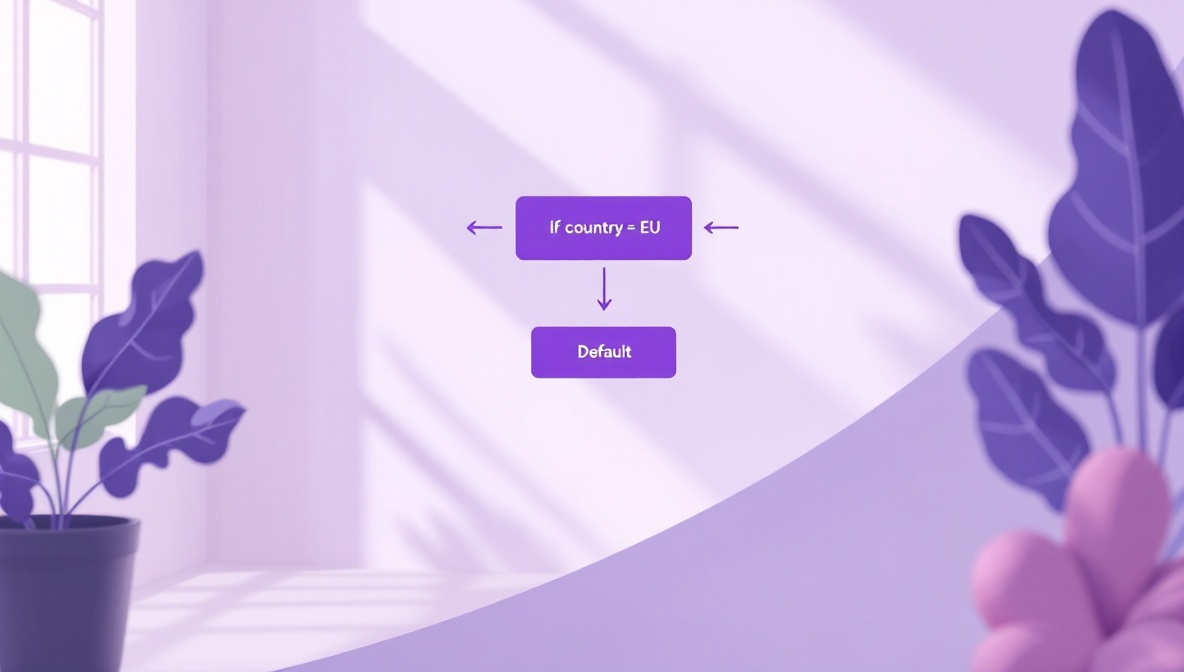
  <li><strong>Geo routing.</strong> A global campaign needs to send EU visitors to a
GDPR-compliant landing page and US visitors to a different one.
Without routing, you have to publish two different short links and
hope marketers paste the right one. With routing, one short link
does the dispatch.</li>
  <li><strong>Device routing.</strong> A campaign needs to send mobile users to an
app-store deep link and desktop users to a web landing page.</li>
  <li><strong>Scheduled routing.</strong> A campaign launches at 9am Tuesday. Before
9am, the link points at a “coming soon” page; after 9am, the live
destination.</li>
  <li><strong>Weighted routing.</strong> An A/B test where 50% of clicks go to
variant A and 50% to variant B, with conversion measured downstream.</li>
</ul>

<p>Routing rules are governance because they let you change the behavior
of a link without re-issuing it. The printed material stays the same;
the redirect logic adapts. This is the foundation for keeping
campaigns alive past their original window.</p>

<figure>
  <img src="/blog/assets/images/link-governance/routing.jpg" alt="Routing rules splitting traffic by geography and device type" loading="lazy" />
  <figcaption>Geo, device and scheduled routing let one short link dispatch to many destinations. The printed material stays the same; the redirect logic adapts.</figcaption>
</figure>

<h2 id="expire">Expire</h2>

<p>An expired link returns a clear “this link has expired” interstitial,
permanently. The slug is retired and cannot be reissued; the
historical data is preserved.</p>

<p>Expiry is for links that should not come back. Time-boxed campaigns,
limited-time offers, regulatory-mandated takedowns, or links whose
destinations have been retired for good. The difference from “pause”
is finality: a paused link is a maybe, an expired link is a no.</p>

<p>A useful pattern is <strong>scheduled expiry</strong>: at link creation, set a
date after which the link auto-expires. Then forgetting to clean up
isn’t a problem — the campaign self-shuts. We see this used heavily
for limited-time promotions, beta access links, conference materials,
and anything that should die on a known date.</p>

<h2 id="audit">Audit</h2>

<p>The audit log answers the question “what happened to this link, and
when, and who did it.” Every state change — created, destination
updated, paused, resumed, routing rule changed, expired — recorded
with timestamp and actor.</p>

<p>The audit log is the quietly important governance feature. It lets
you:</p>

<ul>
  <li>Investigate “wait, who pointed this link at the wrong page?”
without resorting to Slack archaeology.</li>
  <li>Comply with regulated workflows where every URL change must be
attributable (financial services, healthcare, government).</li>
  <li>Reconstruct campaign timelines after the fact for marketing
retrospectives.</li>
  <li>Defend against accusations that the team changed a link to a
malicious destination — the log shows what happened and who did
it.</li>
</ul>

<p>The destination-history view — every URL the link has ever pointed
to — is the most-used subset of the audit log. We see customers pull
it up when they’re trying to figure out whether a partner’s
complaint (“the link sent my users to the wrong page on April 12”) is
true. Usually the truth is more interesting than either side
remembered.</p>

<figure>
  <img src="/blog/assets/images/link-governance/audit.jpg" alt="Timeline view of an audit log with each state change tagged by actor" loading="lazy" />
  <figcaption>The audit log answers the questions Slack archaeology was supposed to. Quietly the most important feature on the dashboard.</figcaption>
</figure>

<h2 id="how-to-roll-this-out">How to roll this out</h2>

<p>Most teams have lived with the email-the-link-owner workflow for a
while and don’t believe they need governance until they have a near-
miss. The minimum useful setup, in roughly the order to add it:</p>

<ol>
  <li><strong>Pause everything that’s done.</strong> Run a quarterly review: any
campaign that’s been “over” for more than a quarter should be
paused. This is the highest-value cleanup because the dead links
are the ones most likely to cause embarrassment when discovered
later.</li>
  <li><strong>Schedule expiry on new time-boxed campaigns.</strong> Going forward,
any link tied to a date has an auto-expire set at creation.</li>
  <li><strong>Adopt routing for anything with multiple destinations.</strong> Stop
publishing two links for “EU” and “US” versions of the same
campaign. One link, one routing rule.</li>
  <li><strong>Make the audit log discoverable.</strong> Show the destination history
on every link’s dashboard view. The cost is zero, the upside is
that the team learns the feature exists before they need it.</li>
</ol>

<h2 id="the-cultural-part">The cultural part</h2>

<p>Tooling is the easy part. The cultural change is teaching the team
that links are durable infrastructure, not throwaway artifacts. A
short URL that ends up on a printed banner has a five-year lifespan;
a short URL in an email campaign has a six-month lifespan; even an
“internal-only” short URL has the lifespan of every saved bookmark
and every shared Slack message.</p>

<p>Treat short links like database rows that are visible to the public:
created on purpose, updated through process, retired through process,
audited continuously. The governance verbs above are the API; the
culture is making sure they get used.</p>]]></content><author><name>thinly-team</name></author><category term="governance" /><category term="operations" /><summary type="html"><![CDATA[Most marketing teams discover link governance the hard way. A campaign ends and someone forgets to update the materials, so the short link keeps pointing at a long-dead landing page. A partner asks to redirect their reseller link to a different page, and the team scrambles to find who originally created it. A QR code on a printed banner outlives the campaign by six months, and the destination URL has been deprecated for five of them.]]></summary><media:thumbnail xmlns:media="http://search.yahoo.com/mrss/" url="https://thin.ly/blog/assets/images/link-governance/hero.jpg" /><media:content medium="image" url="https://thin.ly/blog/assets/images/link-governance/hero.jpg" xmlns:media="http://search.yahoo.com/mrss/" /></entry><entry><title type="html">Custom Domains for Short Links: Setup, DNS, and Common Mistakes</title><link href="https://thin.ly/blog/custom-domains-for-short-links/" rel="alternate" type="text/html" title="Custom Domains for Short Links: Setup, DNS, and Common Mistakes" /><published>2026-04-13T00:00:00-04:00</published><updated>2026-04-13T00:00:00-04:00</updated><id>https://thin.ly/blog/custom-domains-for-short-links</id><content type="html" xml:base="https://thin.ly/blog/custom-domains-for-short-links/"><![CDATA[<p>A custom short domain — <code class="language-plaintext highlighter-rouge">acme.link</code> or <code class="language-plaintext highlighter-rouge">go.acme.com</code> — is one of the
highest-leverage decisions a marketing team can make. It costs almost
nothing, takes a few minutes to set up, and pays itself back across
every campaign that uses it. The setup itself is mostly about DNS,
which is the part where most people get nervous and where most of
the visible mistakes happen.</p>

<p>This is a practical walkthrough of the setup: what records to set,
what to test, and the five mistakes we see most often in support.</p>

<h2 id="step-1-pick-the-domain">Step 1: Pick the domain</h2>

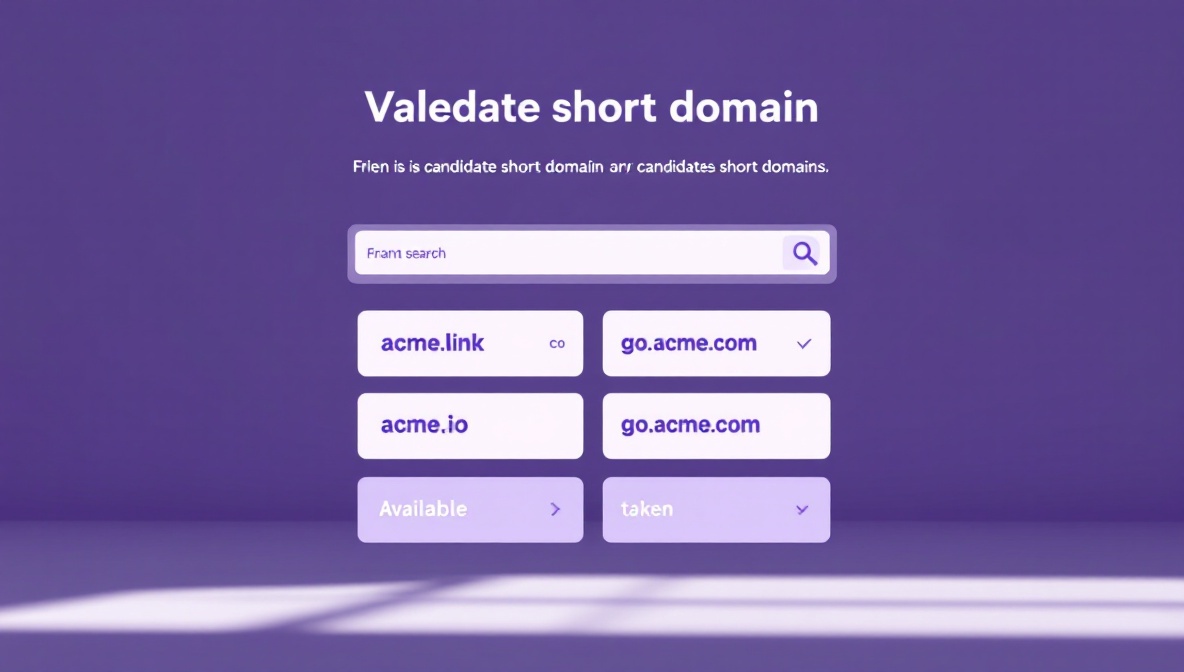
<p>A short domain is a marketing artifact more than a technical one.
The traits that matter:</p>

<ul>
  <li><strong>Short.</strong> Three to five characters is ideal. The whole point is
brevity; an eight-character domain doesn’t help versus
<code class="language-plaintext highlighter-rouge">thin.ly/abc1234</code>.</li>
  <li><strong>Memorable.</strong> It should be guessable, even by someone who didn’t
receive the link.</li>
  <li><strong>Defensible.</strong> If you can register the typo variants too
(<code class="language-plaintext highlighter-rouge">acne.link</code> next to <code class="language-plaintext highlighter-rouge">acme.link</code>), do it. Domain squatters
will register them for you otherwise.</li>
  <li><strong>TLD recognition.</strong> <code class="language-plaintext highlighter-rouge">.com</code>, <code class="language-plaintext highlighter-rouge">.co</code>, <code class="language-plaintext highlighter-rouge">.io</code> and <code class="language-plaintext highlighter-rouge">.link</code> all read as
legitimate. <code class="language-plaintext highlighter-rouge">.click</code> and <code class="language-plaintext highlighter-rouge">.xyz</code> carry baggage from spam history
and may trigger mail filters and ad-network blocks.</li>
</ul>

<p>If your primary domain is <code class="language-plaintext highlighter-rouge">acme.com</code>, the cleanest options are:</p>

<ol>
  <li><strong>A separate apex domain.</strong> <code class="language-plaintext highlighter-rouge">acme.link</code>, <code class="language-plaintext highlighter-rouge">acme.co</code>, or
<code class="language-plaintext highlighter-rouge">acme-go.com</code>. Clean, brand-aligned, and gives you a clean
surface for short URLs that’s separate from your main site.</li>
  <li><strong>A subdomain of your primary.</strong> <code class="language-plaintext highlighter-rouge">go.acme.com</code>, <code class="language-plaintext highlighter-rouge">s.acme.com</code>, or
<code class="language-plaintext highlighter-rouge">link.acme.com</code>. Cheaper (no new domain registration),
instantly trusted because it’s already on a domain users know,
but URLs are longer than a fresh apex.</li>
</ol>

<p>For B2B audiences, the subdomain option is often preferable because
it inherits the existing trust signal from <code class="language-plaintext highlighter-rouge">acme.com</code>. For consumer
brands, a separate apex usually wins because the shorter total URL
matters more.</p>

<figure>
  <img src="/blog/assets/images/custom-domains/picking.jpg" alt="Selection of candidate short-domain options across multiple TLDs" loading="lazy" />
  <figcaption>Short, memorable, defensible. The TLD matters: `.com`, `.co` and `.link` read as legitimate; spammy TLDs trigger mail filters.</figcaption>
</figure>

<h2 id="step-2-set-up-dns">Step 2: Set up DNS</h2>

<p>Once you’ve picked the domain, point it at your shortener. The
specific records depend on whether you’re using an apex domain or a
subdomain.</p>

<h3 id="subdomain-goacmecom">Subdomain (go.acme.com)</h3>

<p>A subdomain points with a single CNAME record:</p>

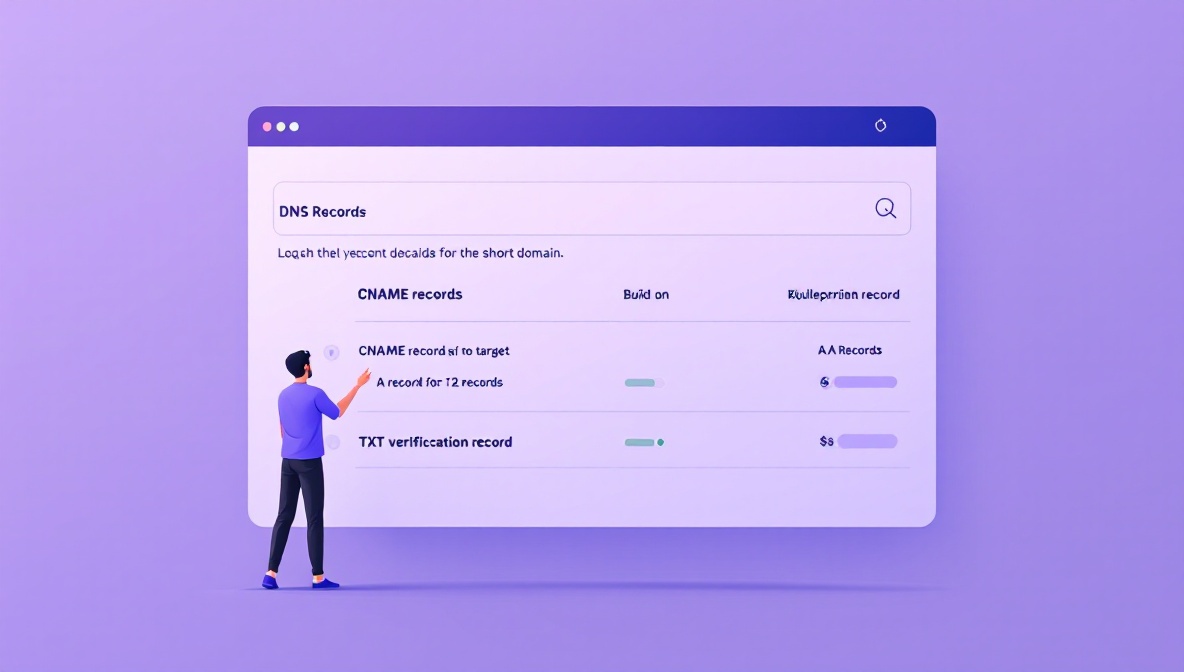
<div class="language-plaintext highlighter-rouge"><div class="highlight"><pre class="highlight"><code>go.acme.com.   CNAME   custom.thin.ly.
</code></pre></div></div>

<p>The CNAME tells DNS resolvers that whenever someone looks up
<code class="language-plaintext highlighter-rouge">go.acme.com</code>, they should follow the alias to <code class="language-plaintext highlighter-rouge">custom.thin.ly</code> and
ask for its IP. The shortener’s edge load balancer answers, sees the
<code class="language-plaintext highlighter-rouge">Host: go.acme.com</code> header on the incoming request, and routes the
redirect through your account.</p>

<p>This is the simplest case. The CNAME propagates within minutes for
most modern DNS providers, and most shorteners can verify the
domain ownership immediately.</p>

<h3 id="apex-domain-acmelink">Apex domain (acme.link)</h3>

<p>Apex domains (the bare domain without a subdomain prefix) can’t be
CNAMEs in the original DNS spec — only A records. Two ways around
this:</p>

<ol>
  <li><strong>A records pointing at the shortener’s IP addresses.</strong> The
shortener publishes a stable set of IPs that you point your apex
at. Simple, but if the shortener changes infrastructure you have
to update your DNS.</li>
  <li><strong>ALIAS / ANAME records (provider-specific).</strong> Modern DNS
providers — Cloudflare, Route 53, DNSimple, Cloudflare Registrar
— support an “ALIAS” record type that acts like a CNAME at the
apex. The provider does the lookup server-side and returns the
resolved IPs to the client.</li>
</ol>

<p>If your DNS provider supports ALIAS, use it. If not, use A records
and accept that the IPs may change over time.</p>

<p>Typical A record setup:</p>

<div class="language-plaintext highlighter-rouge"><div class="highlight"><pre class="highlight"><code>acme.link.   A     203.0.113.10
acme.link.   A     203.0.113.11
</code></pre></div></div>

<p>Two records for redundancy.</p>

<figure>
  <img src="/blog/assets/images/custom-domains/dns.jpg" alt="DNS zone editor showing CNAME and A record entries for a short domain" loading="lazy" />
  <figcaption>CNAME for subdomains, A or ALIAS records for apex domains. Two records for redundancy; the rest is propagation time.</figcaption>
</figure>

<h2 id="step-3-verify-and-provision-ssl">Step 3: Verify and provision SSL</h2>

<p>After DNS propagates, the shortener can verify ownership of the
domain (usually by looking up a specific TXT record you publish, or
by serving a verification file at a specific path) and provision an
SSL certificate.</p>

<p>Almost every modern shortener uses Let’s Encrypt for free
certificates, issued automatically once the domain points at their
infrastructure. Provisioning takes anywhere from a few seconds to
half an hour depending on the provider. You’ll know it’s working
when <code class="language-plaintext highlighter-rouge">https://acme.link/</code> loads with a green padlock and no
certificate warning.</p>

<p>Common stalls at this step:</p>

<ul>
  <li><strong>CAA records blocking issuance.</strong> If you have a CAA record on
your domain restricting which certificate authorities can issue
for it, you may need to add an entry for <code class="language-plaintext highlighter-rouge">letsencrypt.org</code>.</li>
  <li><strong>DNS not fully propagated.</strong> Let’s Encrypt validates the
challenge response over public DNS. If your subdomain hasn’t
propagated everywhere yet, the validation fails. Retry after
fifteen minutes.</li>
  <li><strong>Cloudflare proxy in “Full” mode without a certificate on the
origin.</strong> If you’re proxying through Cloudflare and the
shortener doesn’t have a valid origin certificate, you get a
526 error. Set Cloudflare to “Flexible” SSL, or have the
shortener provide an origin certificate.</li>
</ul>

<h2 id="step-4-test-the-round-trip">Step 4: Test the round trip</h2>

<p>Once SSL is live, test the full path before you announce the domain.
At minimum:</p>

<ol>
  <li><strong>HTTPS resolves.</strong> Browse to <code class="language-plaintext highlighter-rouge">https://acme.link/</code> and check that
the certificate is valid.</li>
  <li><strong>HTTP redirects to HTTPS.</strong> Browse to <code class="language-plaintext highlighter-rouge">http://acme.link/</code> and
confirm an automatic upgrade to HTTPS.</li>
  <li><strong>A test short link redirects properly.</strong> Create
<code class="language-plaintext highlighter-rouge">acme.link/test-1</code>, point it at a known destination, click it,
confirm the redirect happens and the destination loads.</li>
  <li><strong>The root domain does something sensible.</strong> Either redirects to
your main site, shows a branded landing page, or returns a
readable 404. The default for some shorteners is to show the
shortener’s brand on your root, which is bad — fix this before
anyone notices.</li>
  <li><strong>WWW does something sensible.</strong> <code class="language-plaintext highlighter-rouge">www.acme.link</code> either
redirects to <code class="language-plaintext highlighter-rouge">acme.link</code> or vice versa. Pick one and be
consistent.</li>
</ol>

<figure>
  <img src="/blog/assets/images/custom-domains/ssl.jpg" alt="Browser address bar showing a valid HTTPS certificate on a branded short link" loading="lazy" />
  <figcaption>SSL provisioning via Let's Encrypt is automatic once DNS propagates. CAA records and Cloudflare's "Full" mode are the two most common stalls.</figcaption>
</figure>

<h2 id="the-five-mistakes-we-see-most-often">The five mistakes we see most often</h2>

<ol>
  <li><strong>Forgetting the apex.</strong> Team sets up <code class="language-plaintext highlighter-rouge">go.acme.com</code> but doesn’t
set up <code class="language-plaintext highlighter-rouge">acme.com</code> to redirect to it. Anyone who shortens the
domain in conversation (“yeah, go to acme.com slash test”) hits
the main site, not the shortener.</li>
  <li><strong>Not removing the old shortener.</strong> Team migrates from a generic
shortener to a branded one, but doesn’t update the old campaigns.
For weeks, half the audience clicks the old shortened URLs and
half clicks the new ones. Plan a transition window and migrate
campaigns systematically.</li>
  <li><strong>Forgetting to renew the domain.</strong> A custom short domain that
expires breaks every active campaign link instantly. Set up
auto-renewal and an internal calendar reminder a month before
expiry. Many of the worst short-link incidents we see are
self-inflicted via expired domains.</li>
  <li><strong>Hosting on infrastructure they don’t control.</strong> Pointing the
domain at a shortener whose plan they’re not paying for, or whose
verification has lapsed. The domain works for a while, then
stops, often without warning.</li>
  <li><strong>Not setting up redirects for the bare domain.</strong> Browsing to
<code class="language-plaintext highlighter-rouge">https://acme.link/</code> returns 404 or a generic shortener home
page. This is the single most common visible mistake; it makes
the branded domain look broken even though it’s working
perfectly for actual links.</li>
</ol>

<h2 id="a-migration-checklist">A migration checklist</h2>

<p>If you’re moving from a generic shortener to a branded one:</p>

<ul class="task-list">
  <li class="task-list-item"><input type="checkbox" class="task-list-item-checkbox" disabled="disabled" />Domain registered with auto-renewal on.</li>
  <li class="task-list-item"><input type="checkbox" class="task-list-item-checkbox" disabled="disabled" />DNS records set (CNAME for subdomain, A or ALIAS for apex).</li>
  <li class="task-list-item"><input type="checkbox" class="task-list-item-checkbox" disabled="disabled" />SSL certificate provisioned and valid.</li>
  <li class="task-list-item"><input type="checkbox" class="task-list-item-checkbox" disabled="disabled" />Root domain redirects somewhere sensible.</li>
  <li class="task-list-item"><input type="checkbox" class="task-list-item-checkbox" disabled="disabled" />At least three live test links validated end-to-end.</li>
  <li class="task-list-item"><input type="checkbox" class="task-list-item-checkbox" disabled="disabled" />Existing campaigns inventoried so you know what to migrate.</li>
  <li class="task-list-item"><input type="checkbox" class="task-list-item-checkbox" disabled="disabled" />Transition window defined; both shorteners live for it.</li>
  <li class="task-list-item"><input type="checkbox" class="task-list-item-checkbox" disabled="disabled" />Internal calendar reminder set for domain renewal.</li>
</ul>

<p>Done in that order, the whole setup takes thirty minutes to an hour.
Done out of order, it takes a week of intermittent breakage. The
checklist is the part to actually keep.</p>]]></content><author><name>thinly-team</name></author><category term="domains" /><category term="dns" /><category term="setup" /><summary type="html"><![CDATA[A custom short domain — acme.link or go.acme.com — is one of the highest-leverage decisions a marketing team can make. It costs almost nothing, takes a few minutes to set up, and pays itself back across every campaign that uses it. The setup itself is mostly about DNS, which is the part where most people get nervous and where most of the visible mistakes happen.]]></summary><media:thumbnail xmlns:media="http://search.yahoo.com/mrss/" url="https://thin.ly/blog/assets/images/custom-domains/hero.jpg" /><media:content medium="image" url="https://thin.ly/blog/assets/images/custom-domains/hero.jpg" xmlns:media="http://search.yahoo.com/mrss/" /></entry><entry><title type="html">QR Code or Short Link: Which One Should You Use?</title><link href="https://thin.ly/blog/qr-code-vs-short-link/" rel="alternate" type="text/html" title="QR Code or Short Link: Which One Should You Use?" /><published>2026-04-06T00:00:00-04:00</published><updated>2026-04-06T00:00:00-04:00</updated><id>https://thin.ly/blog/qr-code-vs-short-link</id><content type="html" xml:base="https://thin.ly/blog/qr-code-vs-short-link/"><![CDATA[<p>Short links and QR codes are often presented as alternatives, as if
you have to pick one. In practice they answer different questions
and a lot of campaigns benefit from using both side by side.</p>

<p>Both are wrappers around a destination URL. Both can be branded,
tracked, and updated to point somewhere new without changing the
artifact. The difference is the surface they live on.</p>

<h2 id="the-surface-decides">The surface decides</h2>

<p>The question to ask before picking is: how will the user encounter
this URL?</p>

<table>
  <thead>
    <tr>
      <th>Surface</th>
      <th>Best wrapper</th>
      <th>Why</th>
    </tr>
  </thead>
  <tbody>
    <tr>
      <td>Spoken aloud (podcast, video, presentation)</td>
      <td>Short link with memorable slug</td>
      <td>The user has to remember and type it</td>
    </tr>
    <tr>
      <td>Printed in fine type alongside other text (business card, brochure)</td>
      <td>Short link</td>
      <td>A QR code competes for visual space and most users in conversation will type the URL</td>
    </tr>
    <tr>
      <td>Printed prominently on a poster or product</td>
      <td>QR code with short link fallback printed underneath</td>
      <td>The user is several feet away; scanning is easier than typing</td>
    </tr>
    <tr>
      <td>Posted on social media</td>
      <td>Short link</td>
      <td>The platform turns it into a clickable element automatically</td>
    </tr>
    <tr>
      <td>Embedded in an email or SMS</td>
      <td>Short link</td>
      <td>Already clickable; QR code requires a second device to scan</td>
    </tr>
    <tr>
      <td>Sent as a chat message</td>
      <td>Short link</td>
      <td>Native click; QR code would need the recipient to view on another screen</td>
    </tr>
    <tr>
      <td>Worn or carried (badges, conference materials, livery)</td>
      <td>QR code with short link fallback</td>
      <td>Mobile-first interaction; user is typically using their phone</td>
    </tr>
    <tr>
      <td>Inside another app where deep linking is needed</td>
      <td>Short link with universal/app links configured</td>
      <td>App routing happens in the URL, not the QR code</td>
    </tr>
  </tbody>
</table>

<p>The short version: if the user is reading, give them a short link.
If they are at arm’s length or farther, give them a QR code with the
short link printed underneath as fallback.</p>

<figure>
  <img src="/blog/assets/images/qr-vs-link/surfaces.jpg" alt="Grid of surfaces with optimal wrapper labeled — podcast, poster, social, email" loading="lazy" />
  <figcaption>The wrapper choice is per-surface, not per-campaign. A podcast needs a typed short link; a poster needs a scannable QR code.</figcaption>
</figure>

<h2 id="when-to-use-both">When to use both</h2>

<p>The “QR code plus short link printed underneath” pattern works
because they handle different failure modes:</p>

<ul>
  <li>The QR code handles the case where the user is on their phone,
the lighting is fine, and they want to scan.</li>
  <li>The short link handles the case where the camera fails to focus,
the user is on a desktop, the user prefers to type, or accessibility
needs make scanning hard.</li>
</ul>

<p>The fallback short link captures roughly 5-10% of clicks that would
otherwise be lost in print campaigns. The cost is one extra line of
text underneath the QR code. Always include it.</p>

<figure>
  <img src="/blog/assets/images/qr-vs-link/fallback.jpg" alt="Printed material showing a QR code with the short URL printed beneath it as fallback" loading="lazy" />
  <figcaption>Print the short URL under the QR code. It recovers the 5-10% of scans that fail in poor light or with smudged camera lenses.</figcaption>
</figure>

<h2 id="when-the-choice-changes-the-campaign">When the choice changes the campaign</h2>

<p>There are a few cases where the choice between QR code and short link
genuinely changes campaign behavior:</p>

<p><strong>Indoor versus outdoor.</strong> Outdoor QR codes have to deal with
weather, glare, and distance. They need to be larger, higher
contrast, and absolutely not relied upon as the only entry point.
For an outdoor billboard, the short link is often the more important
artifact — drivers can read and remember a short URL more easily
than they can scan from a moving car.</p>

<p><strong>Hands-free contexts.</strong> A podcast host saying “go to acme.link
slash launch” requires a short, pronounceable, memorable slug. There
is no QR code option in audio. This is the only case where the short
link’s slug-readability really dominates the design.</p>

<p><strong>Multi-step conversion flows.</strong> If the destination needs the user to
fill out a long form, scanning a QR code on a poster is a worse
experience than later typing the short URL on their laptop. Print
the short URL prominently as a “type this later” option, with the
QR code as the “tap now” shortcut.</p>

<p><strong>Privacy-sensitive distribution.</strong> Scans don’t leave the device’s
clipboard or browser history the way typed URLs do, but they do
leave a network trace. For situations where the user is shoulder-
surfed or in a monitored network, a typed short link is sometimes
less visible than a scan that fires a camera.</p>

<h2 id="whats-the-same-regardless">What’s the same regardless</h2>

<p>The wrappers differ but the operational concerns are the same. In
both cases:</p>

<ul>
  <li>The URL is dynamic — the destination can be changed without
reprinting or reshooting the wrapper.</li>
  <li>The clicks are tracked with the same analytics — geography,
device, time of day, referrer.</li>
  <li>The link can be paused, expired, or routed by rules.</li>
  <li>The destination can be replaced if it turns malicious or if the
campaign migrates to a new landing page.</li>
</ul>

<p>The wrapper choice is about user experience, not about the underlying
machinery.</p>

<figure>
  <img src="/blog/assets/images/qr-vs-link/decision.jpg" alt="Decision flowchart from surface type to recommended link wrapper" loading="lazy" />
  <figcaption>The decision rule: can the user type this URL in five seconds without a mistake? If yes, lead with the short link. If no, lead with the QR code and include the short URL as a fallback.</figcaption>
</figure>

<h2 id="a-simple-decision-rule">A simple decision rule</h2>

<p>If the answer to “could the user type this URL in five seconds
without making a mistake?” is yes, you can lead with the short link.
If the answer is no, lead with a QR code and include the short link
as fallback. If both are at arm’s length and could go either way,
include both side by side. Almost no campaign should include a QR
code alone with no readable URL — when the scan fails, the user has
no recourse and the campaign goes silent.</p>

<p>The choice gets simpler the more concrete the surface is. Don’t try
to pick one wrapper for “the whole campaign.” Pick the wrapper for
each surface — poster, email, social, podcast — independently, and
let the format decide.</p>]]></content><author><name>thinly-team</name></author><category term="qr-codes" /><category term="distribution" /><category term="design" /><summary type="html"><![CDATA[Short links and QR codes are often presented as alternatives, as if you have to pick one. In practice they answer different questions and a lot of campaigns benefit from using both side by side.]]></summary><media:thumbnail xmlns:media="http://search.yahoo.com/mrss/" url="https://thin.ly/blog/assets/images/qr-vs-link/hero.jpg" /><media:content medium="image" url="https://thin.ly/blog/assets/images/qr-vs-link/hero.jpg" xmlns:media="http://search.yahoo.com/mrss/" /></entry></feed>