thin.ly Blog
Custom Domains for Short Links: Setup, DNS, and Common Mistakes
Pointing your own domain at a URL shortener is the highest-leverage thing you can do for branded campaigns, and it's easier than it looks once you know which DNS records to set. A walkthrough of CNAME vs A records, SSL provisioning, the redirect quirks, and the five mistakes that turn a five-minute setup into a five-day support ticket.

A custom short domain — acme.link or go.acme.com — is one of the
highest-leverage decisions a marketing team can make. It costs almost
nothing, takes a few minutes to set up, and pays itself back across
every campaign that uses it. The setup itself is mostly about DNS,
which is the part where most people get nervous and where most of
the visible mistakes happen.
This is a practical walkthrough of the setup: what records to set, what to test, and the five mistakes we see most often in support.
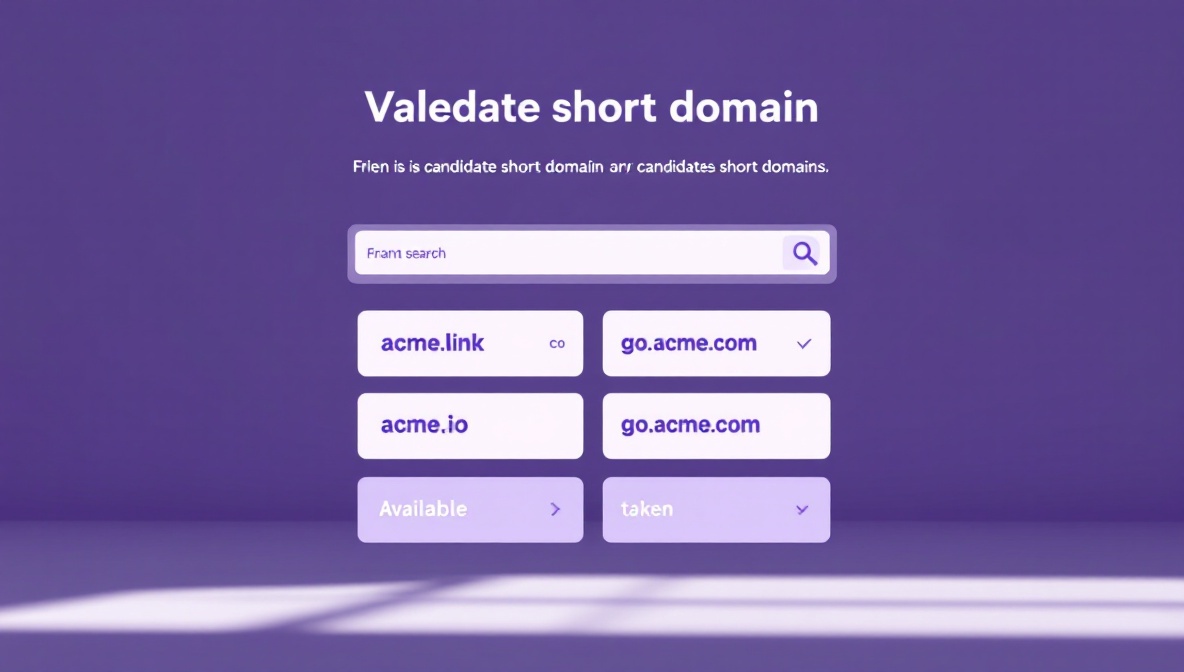
Step 1: Pick the domain
A short domain is a marketing artifact more than a technical one. The traits that matter:
- Short. Three to five characters is ideal. The whole point is
brevity; an eight-character domain doesn’t help versus
thin.ly/abc1234. - Memorable. It should be guessable, even by someone who didn’t receive the link.
- Defensible. If you can register the typo variants too
(
acne.linknext toacme.link), do it. Domain squatters will register them for you otherwise. - TLD recognition.
.com,.co,.ioand.linkall read as legitimate..clickand.xyzcarry baggage from spam history and may trigger mail filters and ad-network blocks.
If your primary domain is acme.com, the cleanest options are:
- A separate apex domain.
acme.link,acme.co, oracme-go.com. Clean, brand-aligned, and gives you a clean surface for short URLs that’s separate from your main site. - A subdomain of your primary.
go.acme.com,s.acme.com, orlink.acme.com. Cheaper (no new domain registration), instantly trusted because it’s already on a domain users know, but URLs are longer than a fresh apex.
For B2B audiences, the subdomain option is often preferable because
it inherits the existing trust signal from acme.com. For consumer
brands, a separate apex usually wins because the shorter total URL
matters more.
Step 2: Set up DNS
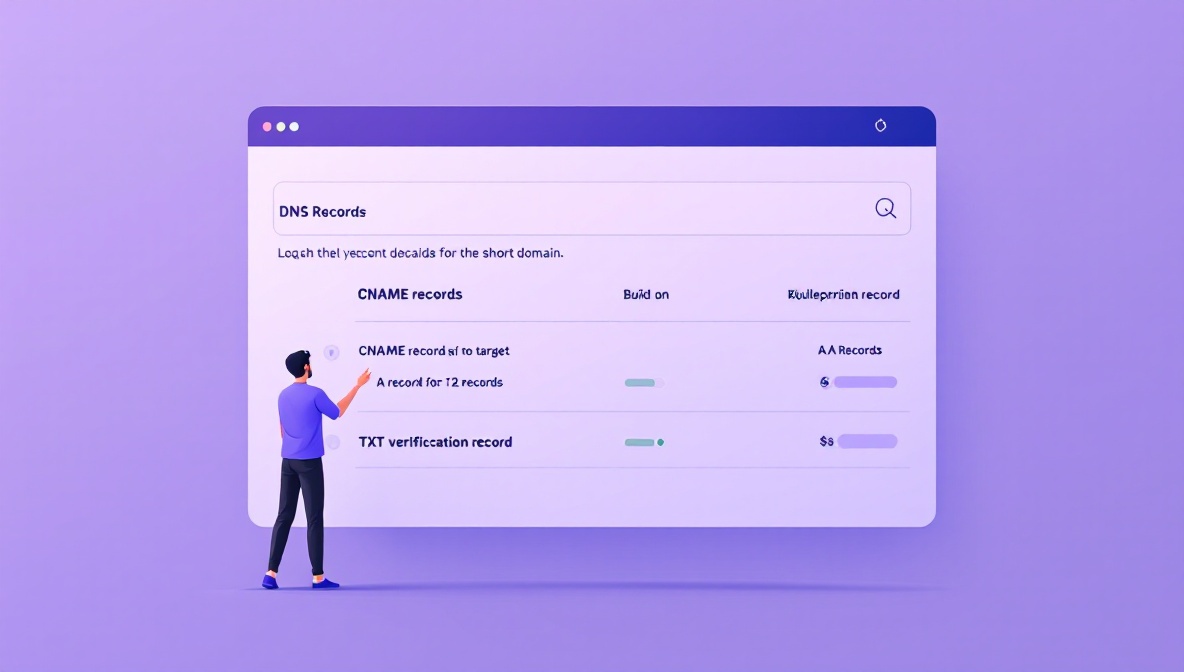
Once you’ve picked the domain, point it at your shortener. The specific records depend on whether you’re using an apex domain or a subdomain.
Subdomain (go.acme.com)
A subdomain points with a single CNAME record:
go.acme.com. CNAME custom.thin.ly.
The CNAME tells DNS resolvers that whenever someone looks up
go.acme.com, they should follow the alias to custom.thin.ly and
ask for its IP. The shortener’s edge load balancer answers, sees the
Host: go.acme.com header on the incoming request, and routes the
redirect through your account.
This is the simplest case. The CNAME propagates within minutes for most modern DNS providers, and most shorteners can verify the domain ownership immediately.
Apex domain (acme.link)
Apex domains (the bare domain without a subdomain prefix) can’t be CNAMEs in the original DNS spec — only A records. Two ways around this:
- A records pointing at the shortener’s IP addresses. The shortener publishes a stable set of IPs that you point your apex at. Simple, but if the shortener changes infrastructure you have to update your DNS.
- ALIAS / ANAME records (provider-specific). Modern DNS providers — Cloudflare, Route 53, DNSimple, Cloudflare Registrar — support an “ALIAS” record type that acts like a CNAME at the apex. The provider does the lookup server-side and returns the resolved IPs to the client.
If your DNS provider supports ALIAS, use it. If not, use A records and accept that the IPs may change over time.
Typical A record setup:
acme.link.   A     203.0.113.10
acme.link.   A     203.0.113.11
Two records for redundancy.
Step 3: Verify and provision SSL
After DNS propagates, the shortener can verify ownership of the domain (usually by looking up a specific TXT record you publish, or by serving a verification file at a specific path) and provision an SSL certificate.
Almost every modern shortener uses Let’s Encrypt for free
certificates, issued automatically once the domain points at their
infrastructure. Provisioning takes anywhere from a few seconds to
half an hour depending on the provider. You’ll know it’s working
when https://acme.link/ loads with a green padlock and no
certificate warning.
Common stalls at this step:
- CAA records blocking issuance. If you have a CAA record on
your domain restricting which certificate authorities can issue
for it, you may need to add an entry for
letsencrypt.org. - DNS not fully propagated. Let’s Encrypt validates the challenge response over public DNS. If your subdomain hasn’t propagated everywhere yet, the validation fails. Retry after fifteen minutes.
- Cloudflare proxy in “Full” mode without a certificate on the origin. If you’re proxying through Cloudflare and the shortener doesn’t have a valid origin certificate, you get a 526 error. Set Cloudflare to “Flexible” SSL, or have the shortener provide an origin certificate.
Step 4: Test the round trip
Once SSL is live, test the full path before you announce the domain. At minimum:
- HTTPS resolves. Browse to
https://acme.link/and check that the certificate is valid. - HTTP redirects to HTTPS. Browse to
http://acme.link/and confirm an automatic upgrade to HTTPS. - A test short link redirects properly. Create
acme.link/test-1, point it at a known destination, click it, confirm the redirect happens and the destination loads. - The root domain does something sensible. Either redirects to your main site, shows a branded landing page, or returns a readable 404. The default for some shorteners is to show the shortener’s brand on your root, which is bad — fix this before anyone notices.
- WWW does something sensible.
www.acme.linkeither redirects toacme.linkor vice versa. Pick one and be consistent.
The five mistakes we see most often
- Forgetting the apex. Team sets up
go.acme.combut doesn’t set upacme.comto redirect to it. Anyone who shortens the domain in conversation (“yeah, go to acme.com slash test”) hits the main site, not the shortener. - Not removing the old shortener. Team migrates from a generic shortener to a branded one, but doesn’t update the old campaigns. For weeks, half the audience clicks the old shortened URLs and half clicks the new ones. Plan a transition window and migrate campaigns systematically.
- Forgetting to renew the domain. A custom short domain that expires breaks every active campaign link instantly. Set up auto-renewal and an internal calendar reminder a month before expiry. Many of the worst short-link incidents we see are self-inflicted via expired domains.
- Hosting on infrastructure they don’t control. Pointing the domain at a shortener whose plan they’re not paying for, or whose verification has lapsed. The domain works for a while, then stops, often without warning.
- Not setting up redirects for the bare domain. Browsing to
https://acme.link/returns 404 or a generic shortener home page. This is the single most common visible mistake; it makes the branded domain look broken even though it’s working perfectly for actual links.
A migration checklist
If you’re moving from a generic shortener to a branded one:
- Domain registered with auto-renewal on.
- DNS records set (CNAME for subdomain, A or ALIAS for apex).
- SSL certificate provisioned and valid.
- Root domain redirects somewhere sensible.
- At least three live test links validated end-to-end.
- Existing campaigns inventoried so you know what to migrate.
- Transition window defined; both shorteners live for it.
- Internal calendar reminder set for domain renewal.
Done in that order, the whole setup takes thirty minutes to an hour. Done out of order, it takes a week of intermittent breakage. The checklist is the part to actually keep.