thin.ly Blog
Link Governance for Marketing Teams: Pause, Route, Expire, Audit
Once you have more than ten campaign links, you have a governance problem. A campaign ends, a destination breaks, a partner needs the link redirected — and most teams handle this by emailing each other. Here's the four-verb model that scales: pause, route, expire, audit.

Most marketing teams discover link governance the hard way. A campaign ends and someone forgets to update the materials, so the short link keeps pointing at a long-dead landing page. A partner asks to redirect their reseller link to a different page, and the team scrambles to find who originally created it. A QR code on a printed banner outlives the campaign by six months, and the destination URL has been deprecated for five of them.
These are operational problems disguised as marketing problems. They all have the same shape: a short link has a longer life than the campaign it was created for, and nobody planned for that.
The model that solves them is small — four verbs that should be first-class operations on every link, not afterthoughts.
Pause
A paused link still exists, still resolves, but no longer redirects to its original destination. Visitors see a clear “campaign ended” or “currently unavailable” interstitial, optionally with a fallback destination (your home page, a related landing page, a “what happened” explainer).
Pausing is different from deleting in three important ways:
- The slug is reserved. Nobody can register a new link with the same short code while the paused link still owns it. This matters when the link has been printed somewhere — you don’t want a future user to register the same slug and start serving content to your audience.
- The click history is preserved. A paused link still records clicks, which lets you see when audience interest in a campaign actually dies versus when it dies on the dashboard.
- The operation is reversible. An unpause restores the redirect. Useful for seasonal campaigns (“relaunch the spring menu link in April”), pricing freezes, regulatory pauses, or emergency rollback.
Pausing should be a one-click operation. Most teams don’t pause links because the tooling makes it too heavy — they either delete (which loses history and frees up the slug) or do nothing (which leaves dead links live).

Route
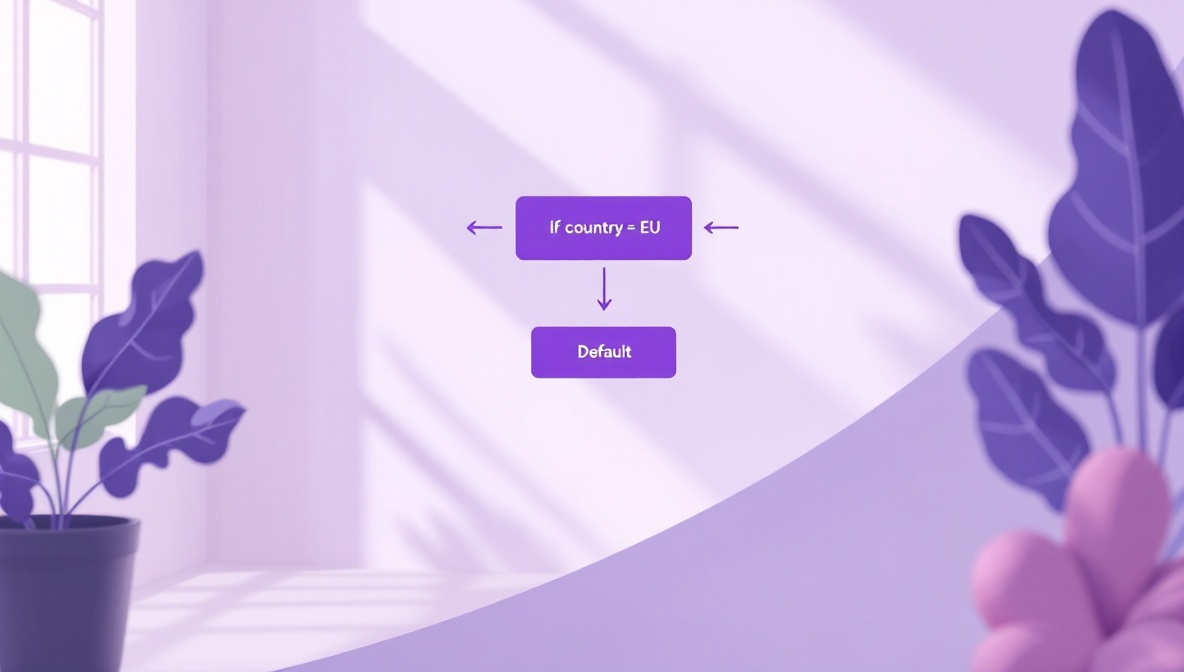
A routed link sends different visitors to different destinations based on conditions: geography, device, time of day, or weight (A/B split). Same short URL, different real destinations depending on who clicked.
The most common cases:
- Geo routing. A global campaign needs to send EU visitors to a GDPR-compliant landing page and US visitors to a different one. Without routing, you have to publish two different short links and hope marketers paste the right one. With routing, one short link does the dispatch.
- Device routing. A campaign needs to send mobile users to an app-store deep link and desktop users to a web landing page.
- Scheduled routing. A campaign launches at 9am Tuesday. Before 9am, the link points at a “coming soon” page; after 9am, the live destination.
- Weighted routing. An A/B test where 50% of clicks go to variant A and 50% to variant B, with conversion measured downstream.
Routing rules are governance because they let you change the behavior of a link without re-issuing it. The printed material stays the same; the redirect logic adapts. This is the foundation for keeping campaigns alive past their original window.
Expire
An expired link returns a clear “this link has expired” interstitial, permanently. The slug is retired and cannot be reissued; the historical data is preserved.
Expiry is for links that should not come back. Time-boxed campaigns, limited-time offers, regulatory-mandated takedowns, or links whose destinations have been retired for good. The difference from “pause” is finality: a paused link is a maybe, an expired link is a no.
A useful pattern is scheduled expiry: at link creation, set a date after which the link auto-expires. Then forgetting to clean up isn’t a problem — the campaign self-shuts. We see this used heavily for limited-time promotions, beta access links, conference materials, and anything that should die on a known date.
Audit
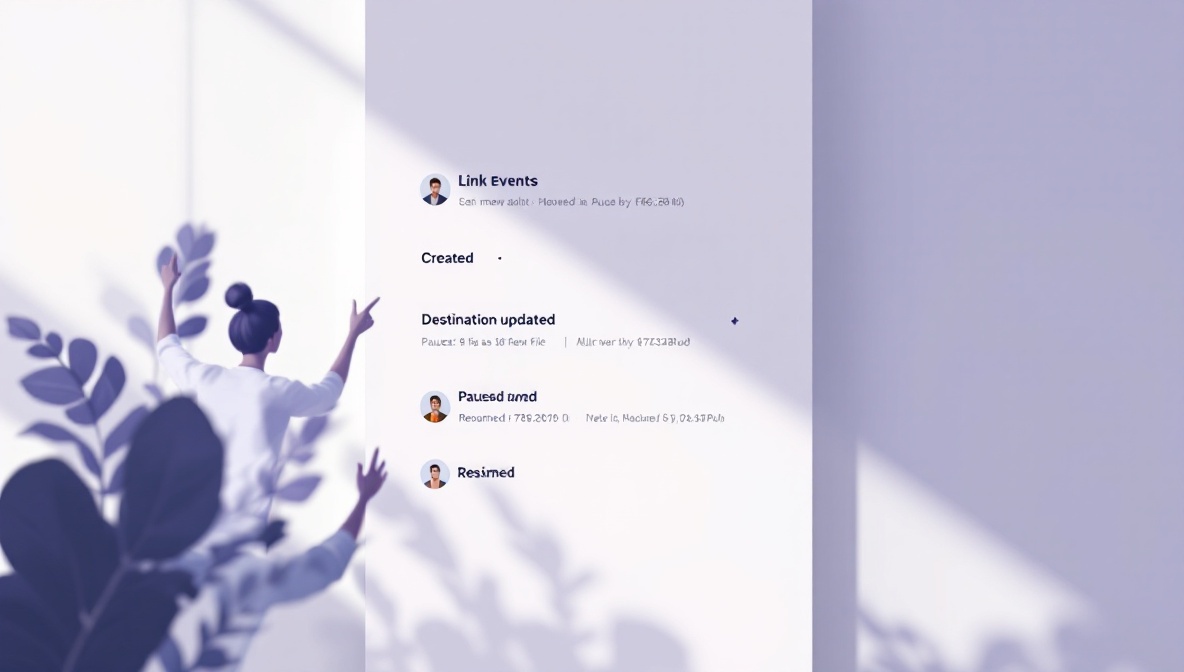
The audit log answers the question “what happened to this link, and when, and who did it.” Every state change — created, destination updated, paused, resumed, routing rule changed, expired — recorded with timestamp and actor.
The audit log is the quietly important governance feature. It lets you:
- Investigate “wait, who pointed this link at the wrong page?” without resorting to Slack archaeology.
- Comply with regulated workflows where every URL change must be attributable (financial services, healthcare, government).
- Reconstruct campaign timelines after the fact for marketing retrospectives.
- Defend against accusations that the team changed a link to a malicious destination — the log shows what happened and who did it.
The destination-history view — every URL the link has ever pointed to — is the most-used subset of the audit log. We see customers pull it up when they’re trying to figure out whether a partner’s complaint (“the link sent my users to the wrong page on April 12”) is true. Usually the truth is more interesting than either side remembered.
How to roll this out
Most teams have lived with the email-the-link-owner workflow for a while and don’t believe they need governance until they have a near- miss. The minimum useful setup, in roughly the order to add it:
- Pause everything that’s done. Run a quarterly review: any campaign that’s been “over” for more than a quarter should be paused. This is the highest-value cleanup because the dead links are the ones most likely to cause embarrassment when discovered later.
- Schedule expiry on new time-boxed campaigns. Going forward, any link tied to a date has an auto-expire set at creation.
- Adopt routing for anything with multiple destinations. Stop publishing two links for “EU” and “US” versions of the same campaign. One link, one routing rule.
- Make the audit log discoverable. Show the destination history on every link’s dashboard view. The cost is zero, the upside is that the team learns the feature exists before they need it.
The cultural part
Tooling is the easy part. The cultural change is teaching the team that links are durable infrastructure, not throwaway artifacts. A short URL that ends up on a printed banner has a five-year lifespan; a short URL in an email campaign has a six-month lifespan; even an “internal-only” short URL has the lifespan of every saved bookmark and every shared Slack message.
Treat short links like database rows that are visible to the public: created on purpose, updated through process, retired through process, audited continuously. The governance verbs above are the API; the culture is making sure they get used.