thin.ly Blog
QR Codes for Print Marketing: What Actually Works
Most printed QR codes are bad — too small, no context, no fallback, and the destination dies the day the campaign ends. Here's what a useful printed QR code looks like, why dynamic QR codes are non-negotiable, and the small craft details that decide whether anybody scans it.
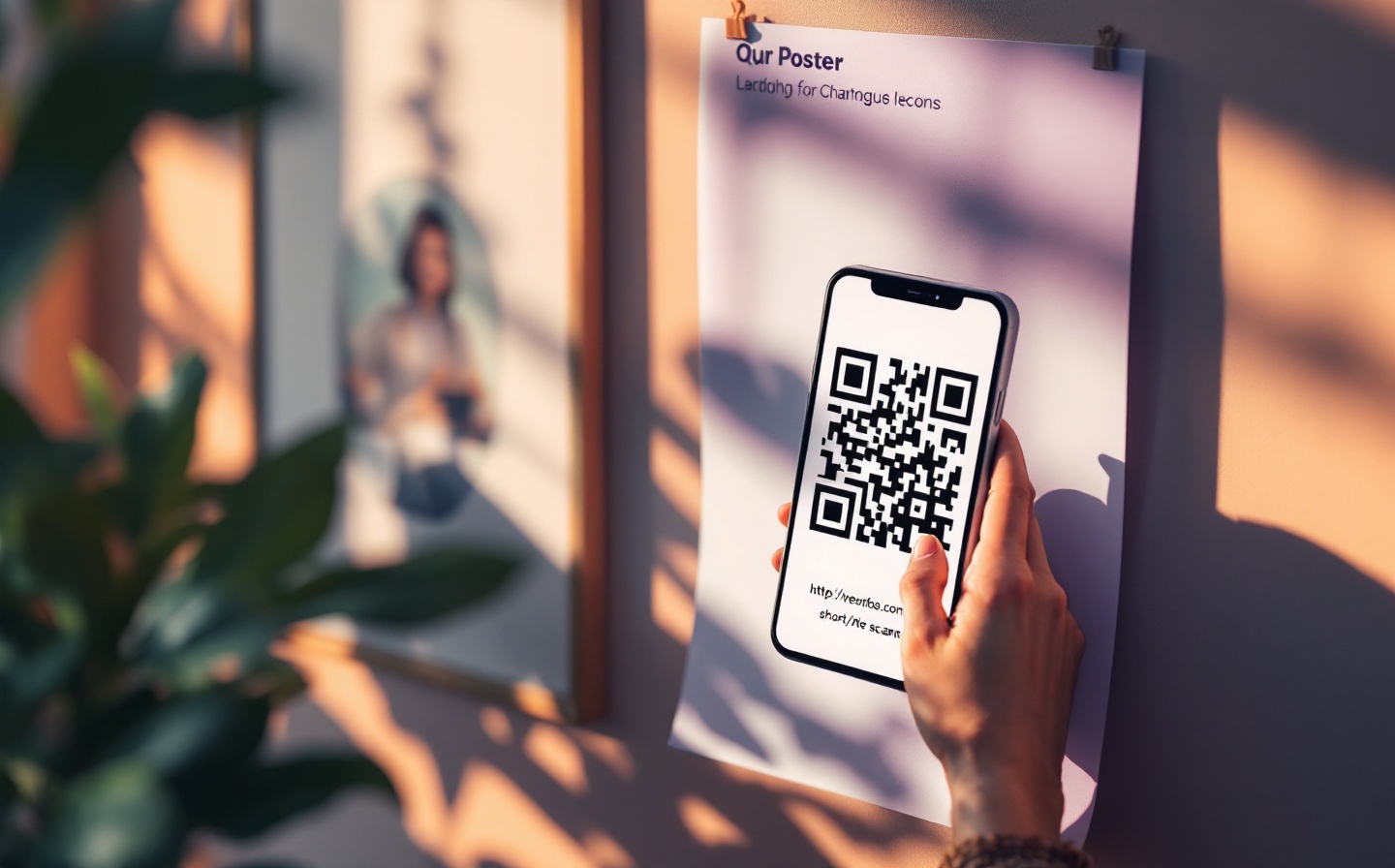
QR codes had a strange second life. They sat dormant in consumer marketing for nearly a decade because users had to install a separate app to read them, and then they came back overnight when iOS and Android put a QR reader directly into the camera. Today every restaurant menu and event badge has one. Most of them are bad — quietly bad, in ways that don’t show up until the print run is done and someone notices the scan numbers are a third of what they should be.
This is a guide to making QR codes that actually work in printed materials: what dynamic QR codes are, why static QR codes will hurt you, the size and contrast rules, and the small craft details that decide whether anybody scans them.
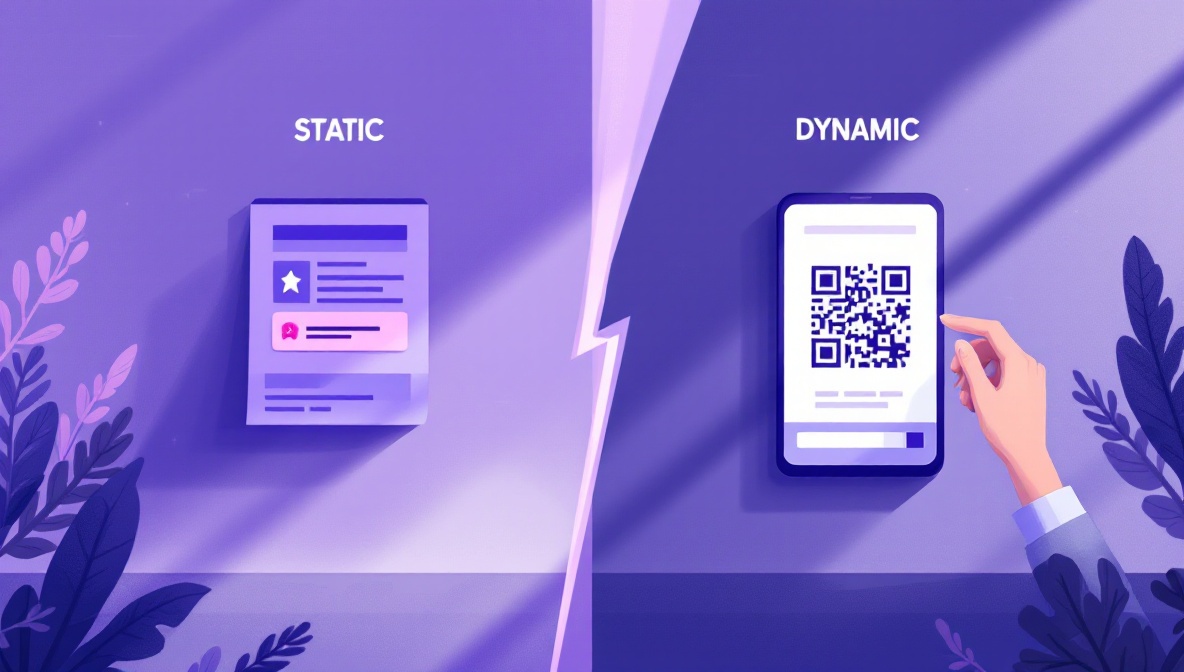
Static QR codes vs dynamic QR codes
A QR code is just a 2D barcode encoding a string of text. If that string is a URL, the user’s camera offers to open it. Everything else — branding, analytics, the ability to change the destination later — depends on what’s in that string.
A static QR code encodes the destination URL directly. Scanning the
code takes you straight to https://acme.com/menu/spring-2026. The QR
pattern is determined by the URL: longer URLs need denser patterns. If you
ever want to change the destination, you cannot — the pattern is already
printed. The destination URL must outlive the campaign.
A dynamic QR code encodes a short URL: https://thin.ly/spring-menu.
The user’s camera opens that short URL, the server redirects to the real
destination. The destination can be swapped at any time without reprinting
anything. The QR pattern is also simpler because the encoded string is
short, which means the printed code can be smaller while remaining
scannable.
For anything that goes to print, use a dynamic QR code unless you are absolutely certain the destination will never change. The cost of being wrong is reprinting. The cost of being right early is nothing.
Sizing
The two failure modes for printed QR codes are “too small to scan” and “large enough but printed too close to other dark elements.” Both have specific thresholds.
The minimum scannable size depends on the distance between the camera and the code. As a rule of thumb, the code’s side length should be 1/10th of the expected scan distance:
| Scan distance | Minimum side length |
|---|---|
| 30 cm (handheld brochure) | 3 cm (1.2”) |
| 1 m (counter card) | 10 cm (4”) |
| 3 m (poster across a room) | 30 cm (12”) |
| 10 m (billboard) | 1 m (40”) |
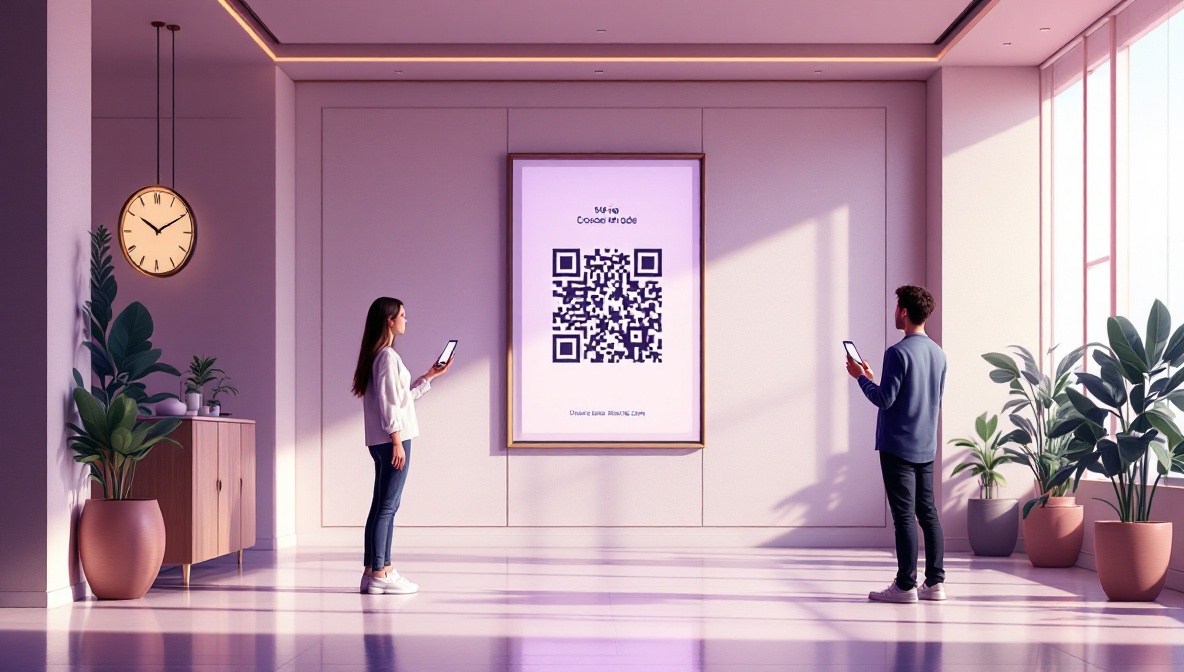
These are minimums. Add 20% for outdoor billboards and anything that might be photographed at an angle. The most common mistake is reusing a small brochure-sized QR code on a poster that lives across a hotel lobby.
Contrast and quiet zone
QR readers need high contrast and a clear border. Two rules:
- Dark code on a light background. Inverted QR codes (light on dark) work in software but fail in many phone-camera apps because the camera’s auto-exposure assumes dark-on-light. If your brand demands light-on-dark, test on three different phones before printing.
- Quiet zone of at least 4 modules. A “module” is one of the small squares that make up the pattern. The quiet zone is the empty margin around the code. Without it, surrounding dark elements (a black border, a photo, a column of text) merge with the code’s edge and the reader gives up. Four modules is the spec’s minimum; six modules is safer.
If you must put the code over a photo, use a solid white box behind it with the quiet zone inside the box. The marketing-design impulse to “integrate” the code with surrounding imagery is the single biggest source of failed prints.
What surrounds the code matters as much as the code
A QR code with no accompanying text gets ignored. Users need to know why they would scan it. A few rules that come from watching scan rates against otherwise-identical layouts:
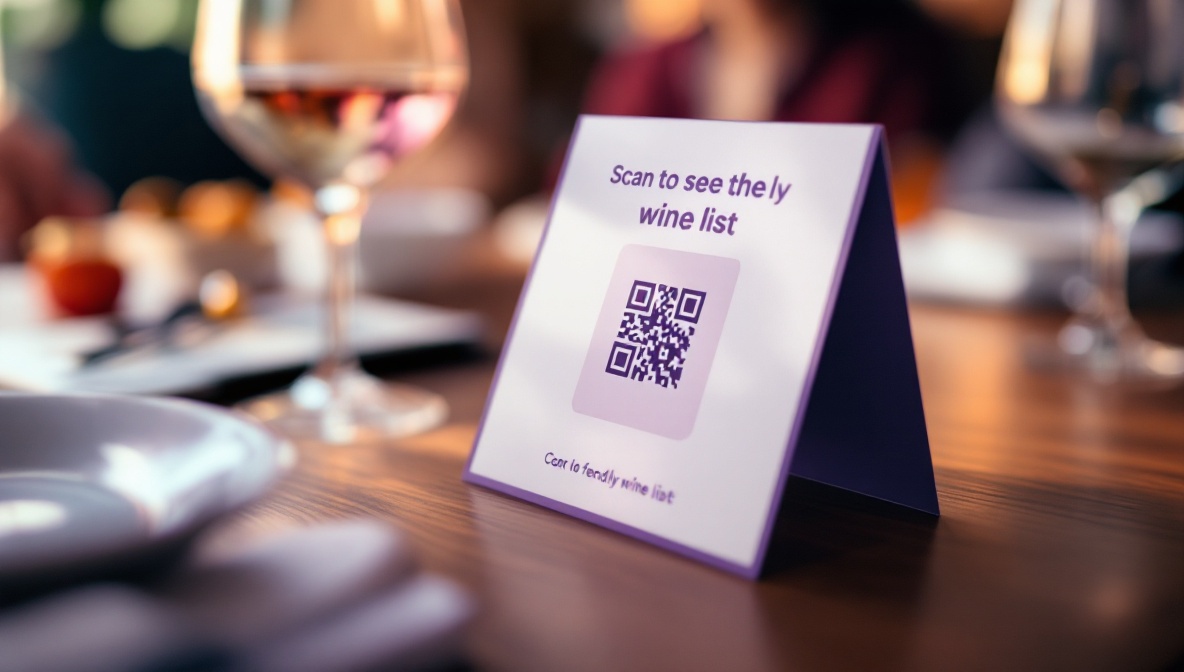
- Tell people what they get. “Scan to see the menu” beats “Scan here.” Even a vague benefit beats no benefit.
- Mention the platform. “Scan with your phone camera” is unnecessary in 2026 — every smartphone reads QR codes natively. But “Watch the video” or “Read the recipe” tells the user what they’re committing to.
- Put it near the call to action it supports. A QR code in the corner of a poster, separated from the product photo, gets a tenth of the scans of one placed next to the headline.
- Include a short URL as fallback. Print the short URL —
thin.ly/spring-menu— under the code in small type. Users on older devices, in poor light, or with smudged camera lenses will type it in. Roughly 5-10% of attempted scans fail; the short URL recovers those.
Tracking print-only campaigns
The point of a dynamic short link behind a QR code is that you get click analytics on a campaign that otherwise has no telemetry at all. A printed poster doesn’t fire a Google Analytics event when someone walks past it, but the moment they scan the code, your link service records the click with timestamp, country, device, and referrer. Over a campaign you can see:
- Total scans and unique scanners (most short-link services dedupe by IP).
- Geographic distribution, useful for figuring out which locations got the best foot traffic.
- Time-of-day patterns, which often reveal when the poster is actually being noticed.
- Device split, which sometimes shows surprising things — print campaigns aimed at older demographics often get more iPad scans than expected.
UTM parameters on the destination give you the same data inside your web analytics, with the bonus that you can see what users did after they landed.
The reusability dividend
The strongest argument for dynamic QR codes is the long tail. A static code on a 2024 menu is dead the moment the menu changes. A dynamic code on the same menu can be repurposed in 2025 by changing the destination — the print artifact keeps working. Restaurants we’ve talked to who switched to dynamic codes ended up using the same printed laminated menus through three menu cycles, swapping the URL twice. Same physical cost, three times the lifespan.
The same pattern works for product packaging, conference badges, vehicle livery, real estate signs — anywhere reprinting is expensive and the destination might shift. Dynamic codes are the cheaper option once you factor in the second print run you would otherwise have done.
A pre-flight checklist
Before sending a layout to print:
- The QR code is dynamic (encodes a short URL, not the destination).
- The destination URL has UTM parameters set for this print campaign.
- The code is sized for the actual viewing distance.
- The quiet zone is at least four modules clear of surrounding artwork.
- Contrast is dark on light, and tested on three phones in average lighting.
- The short URL is printed under the code as a fallback.
- The accompanying text tells the user what they get by scanning.
- You’ve placed a single test scan from each phone OS before the press run.
The last item costs ten minutes and saves more reprints than any other pre-flight check on the list.